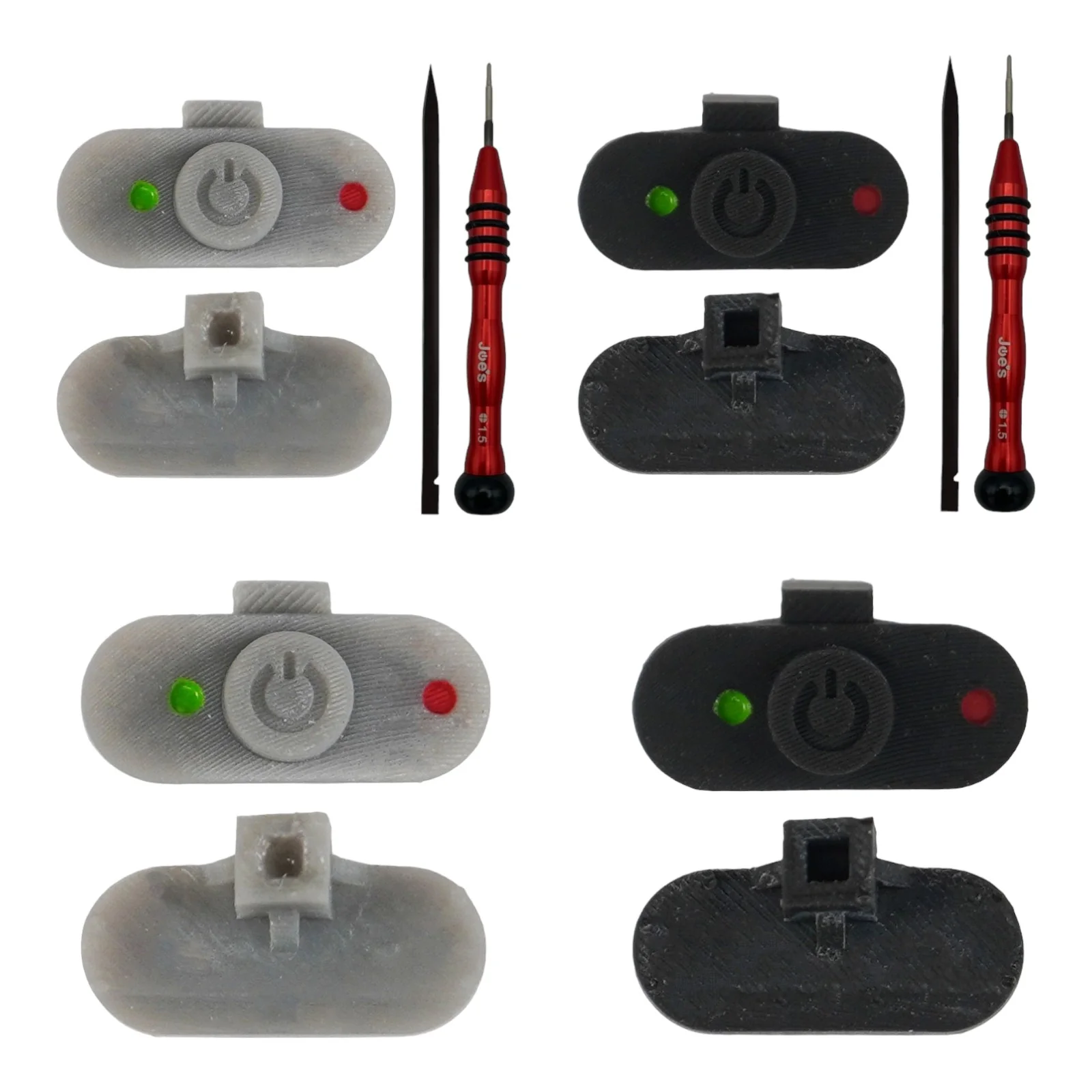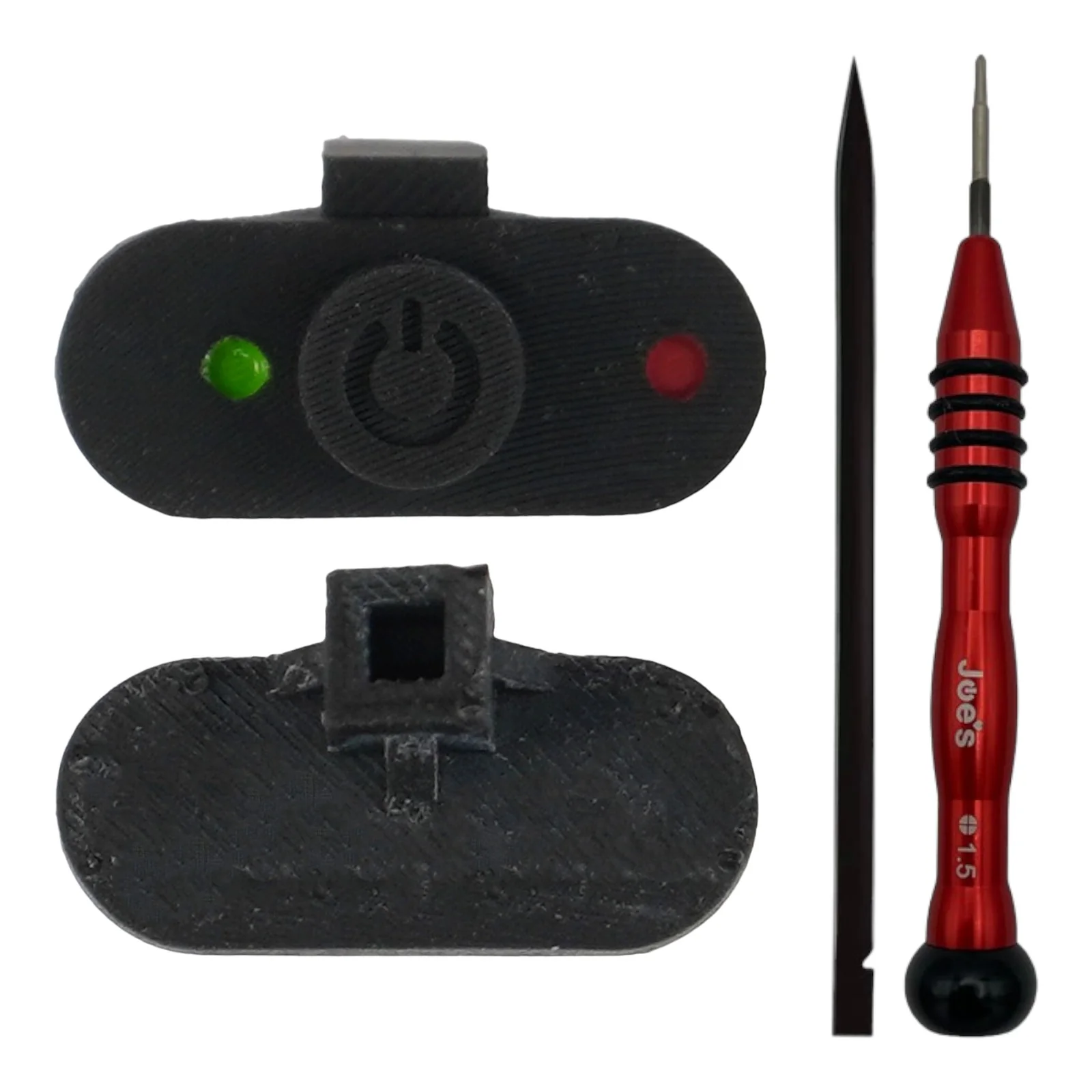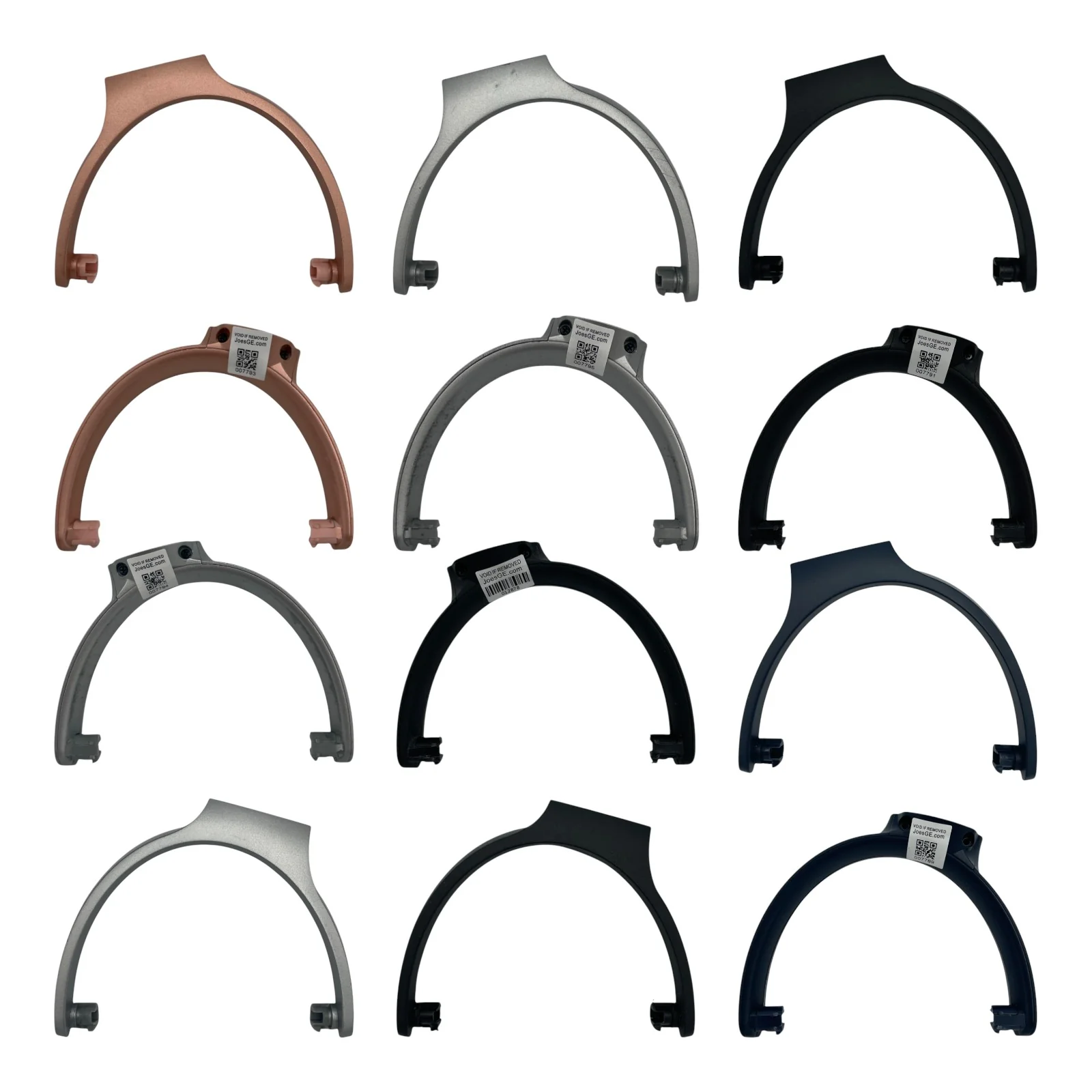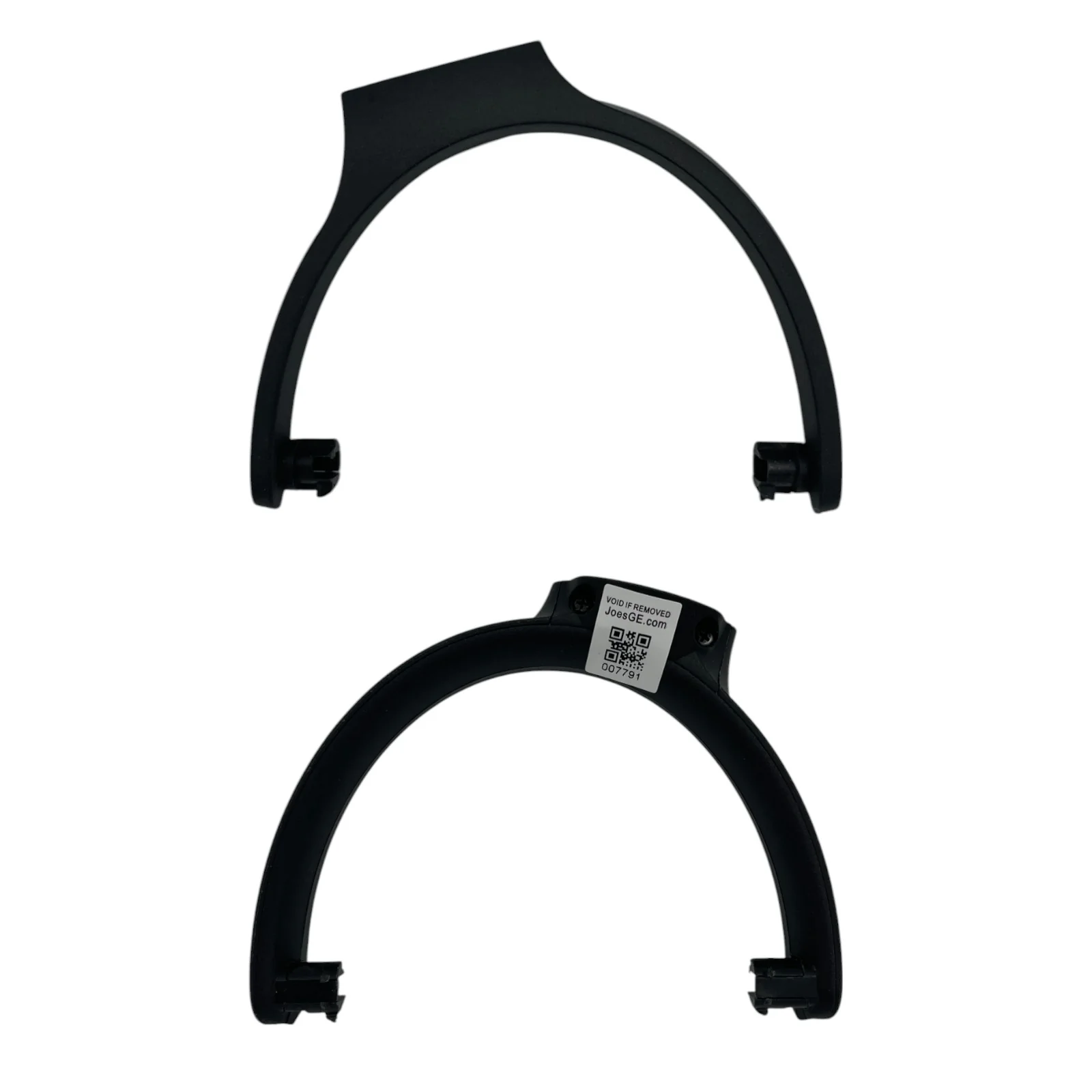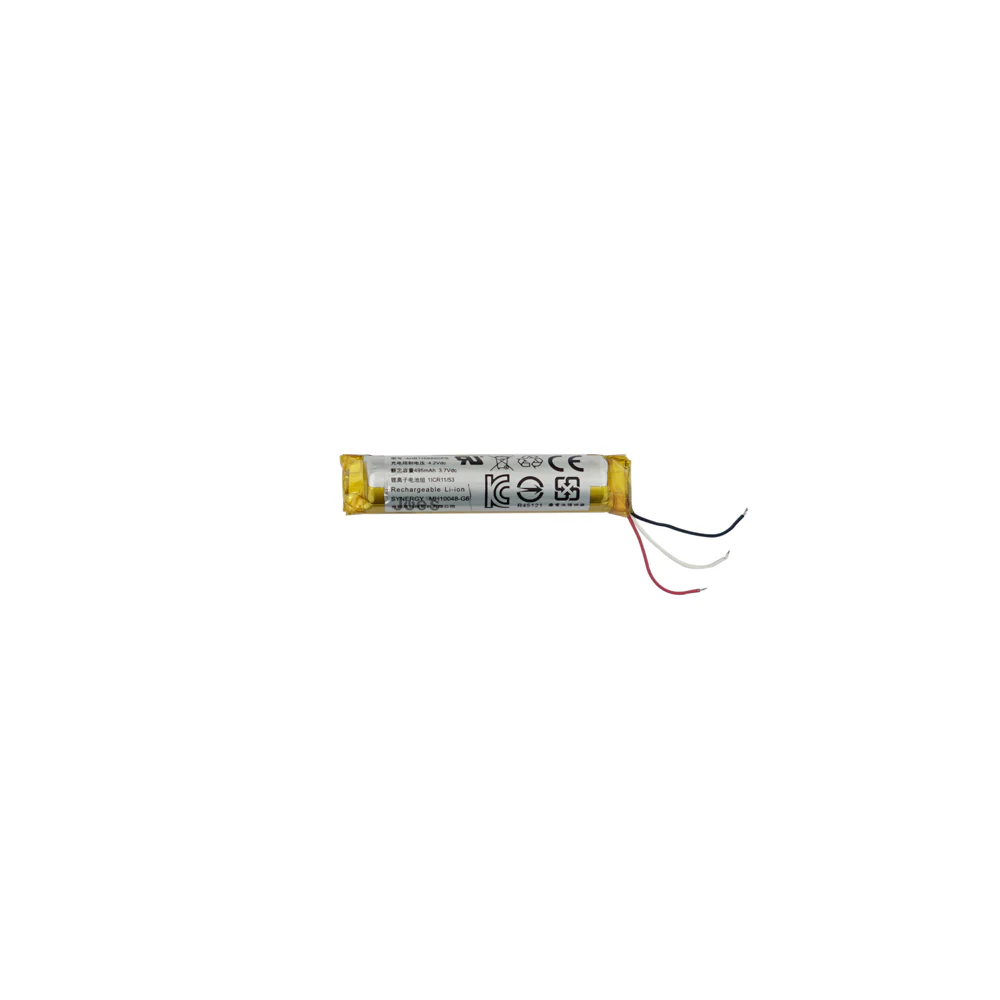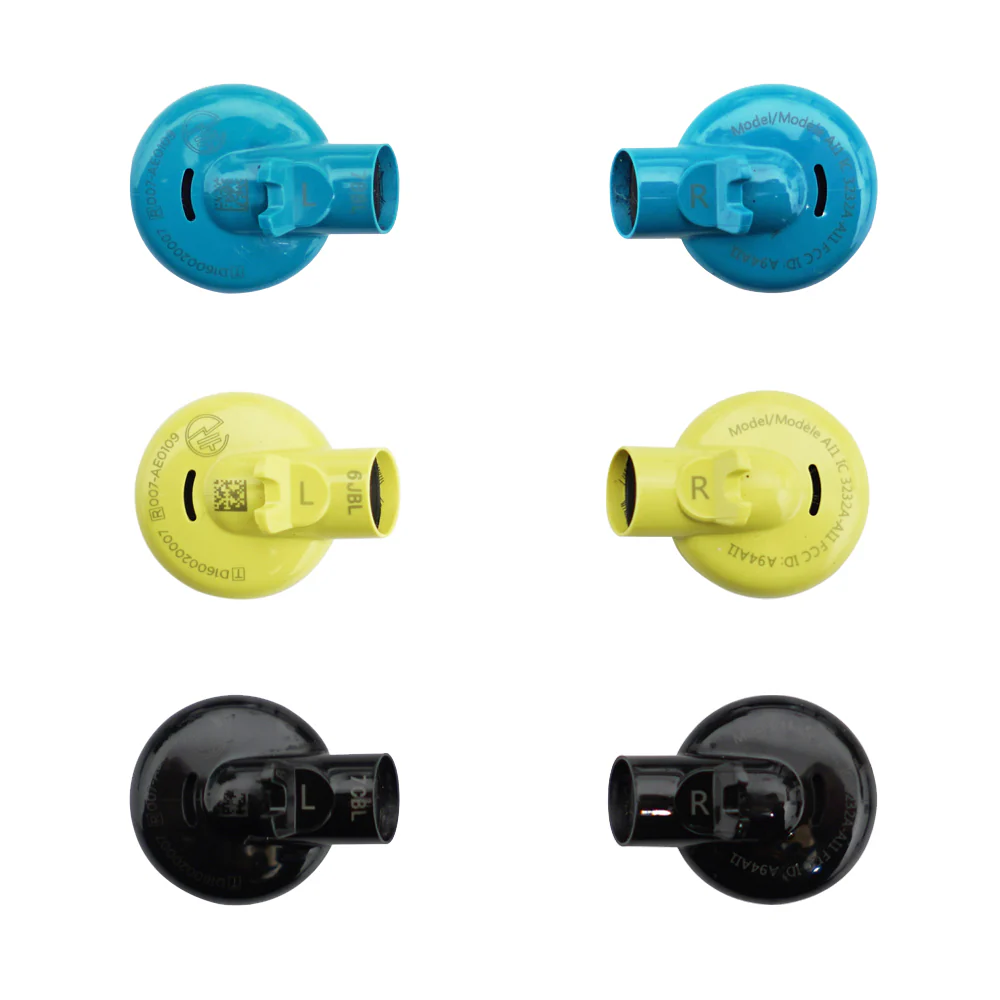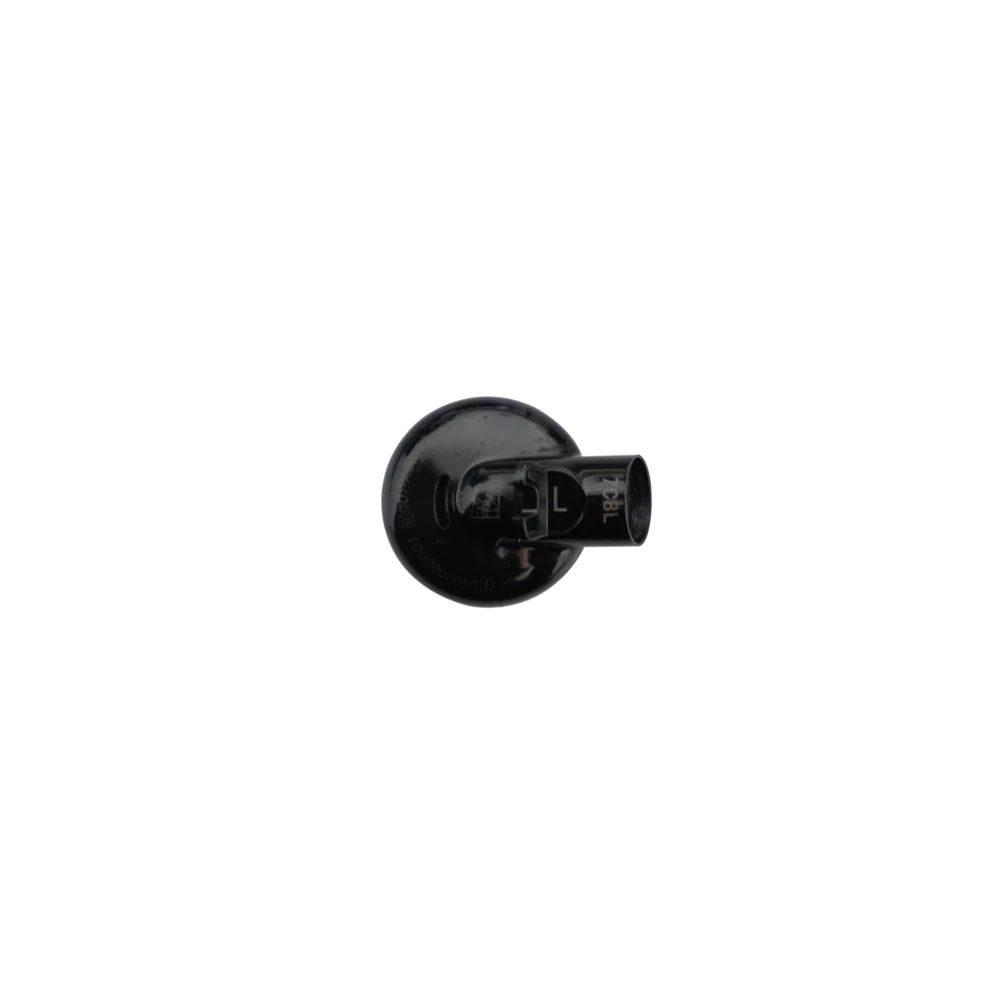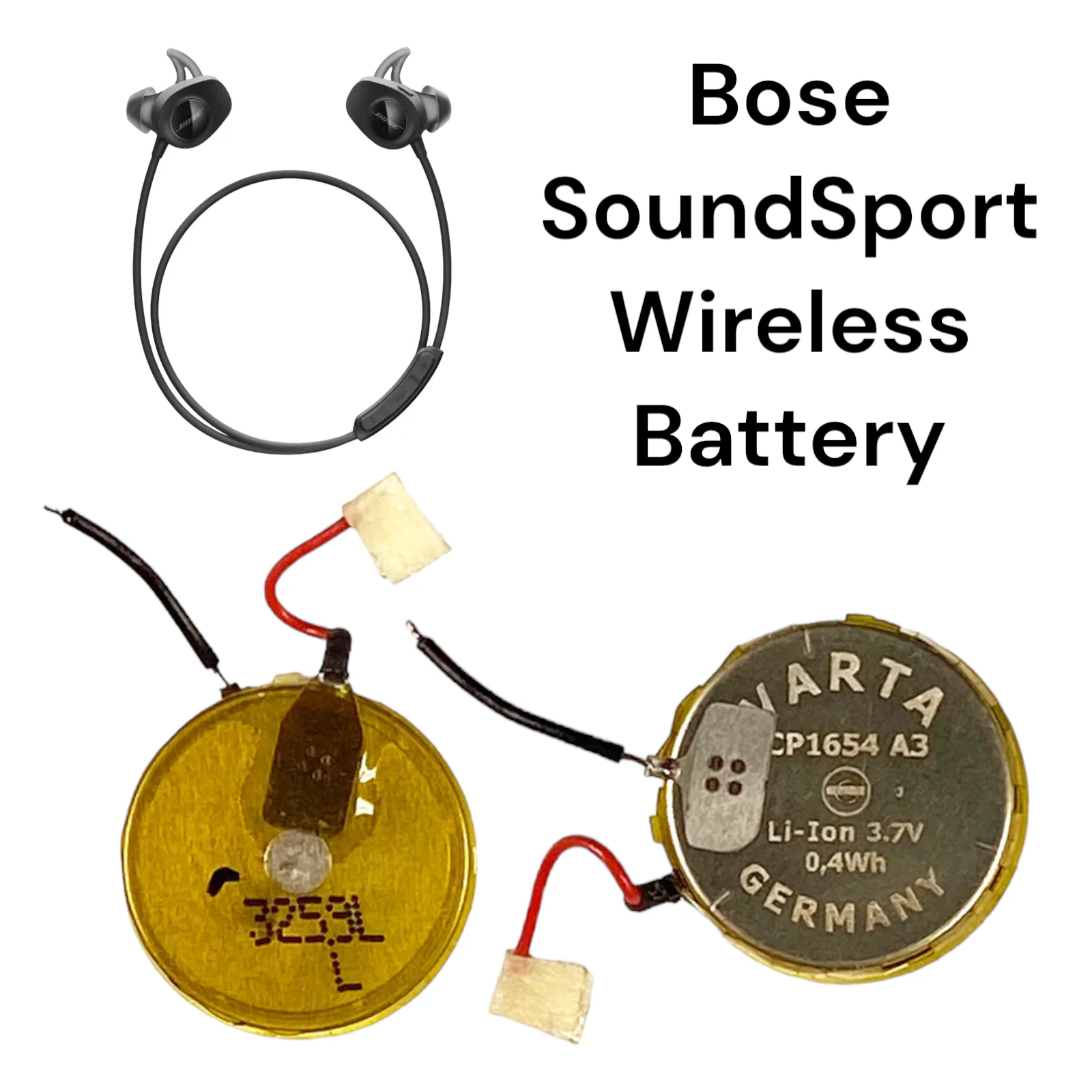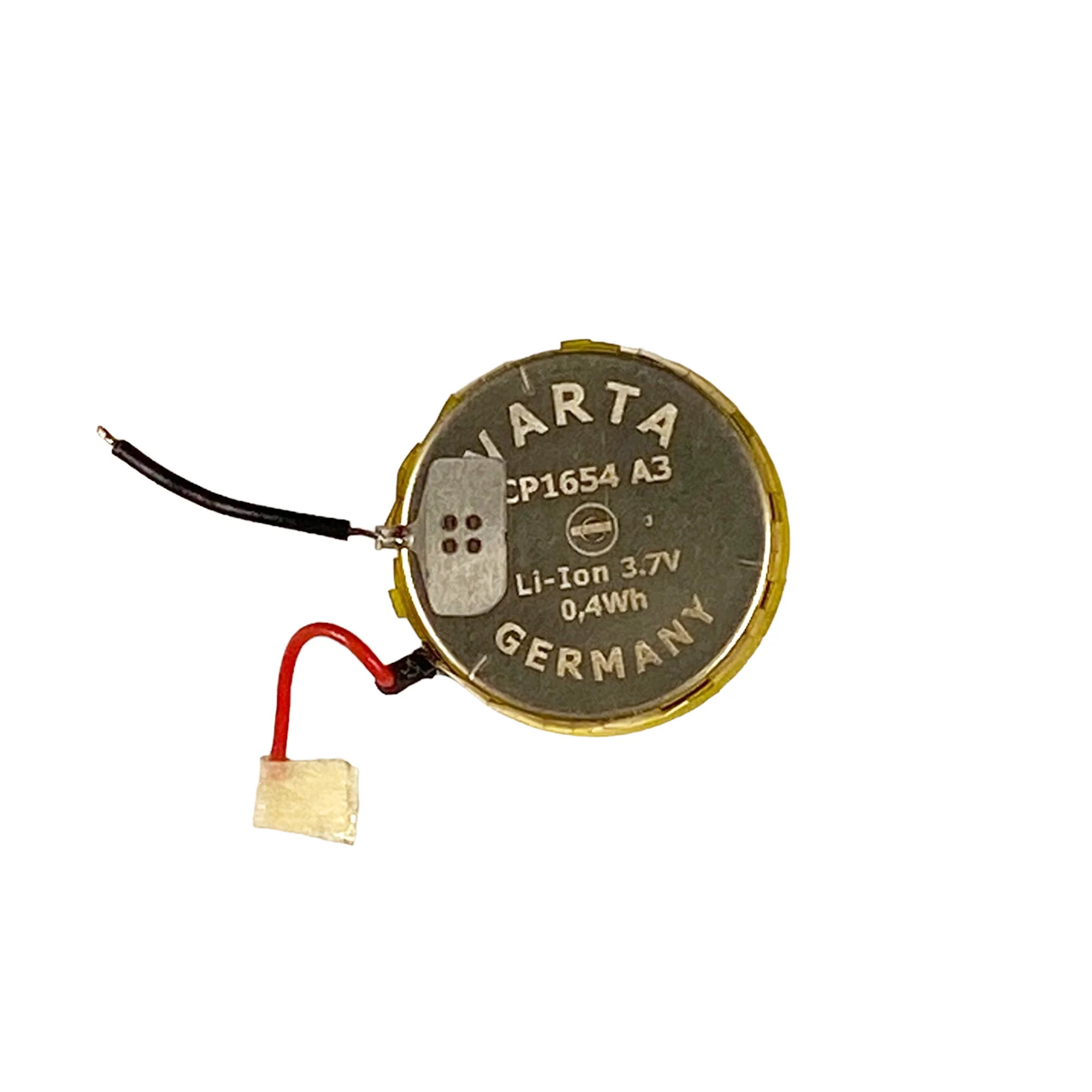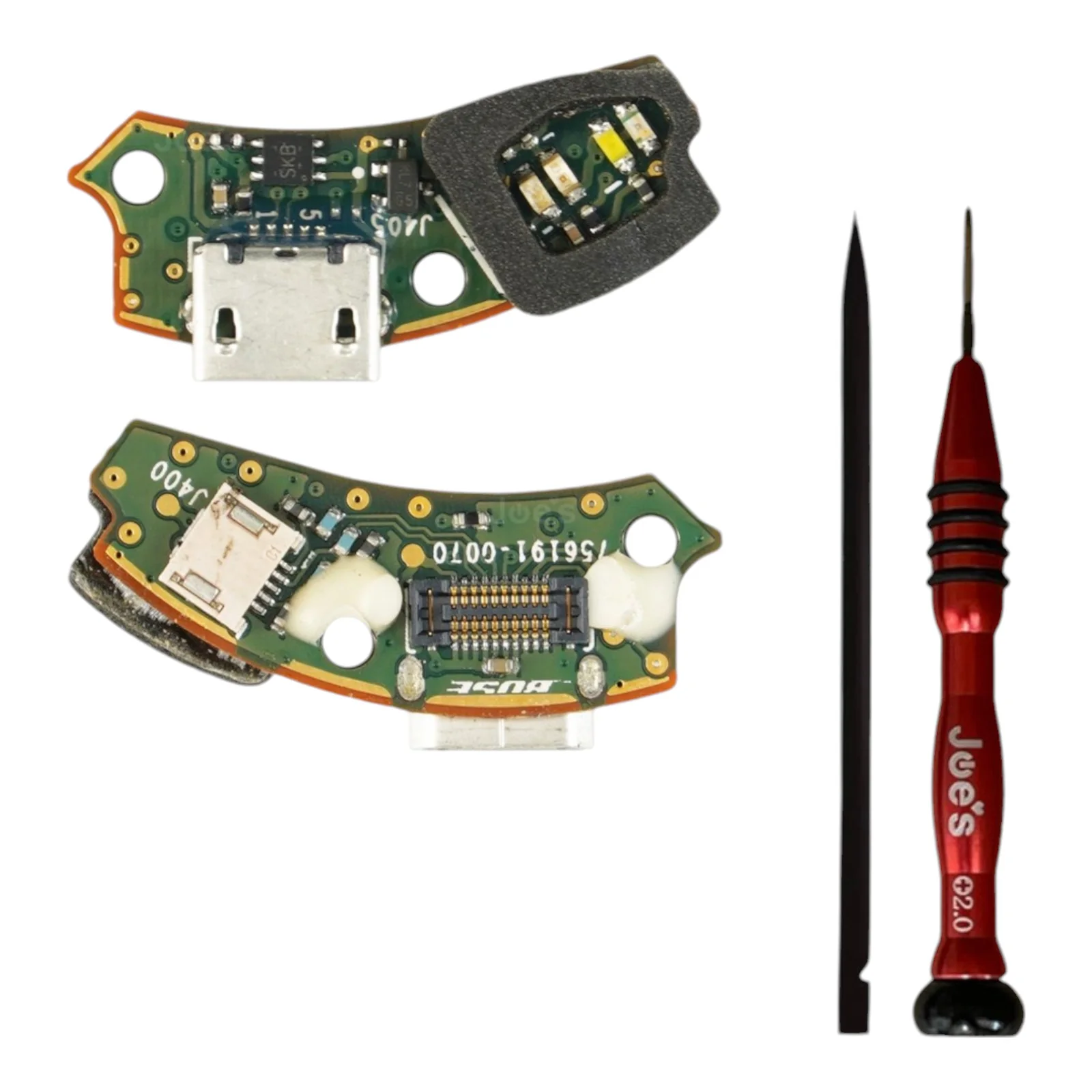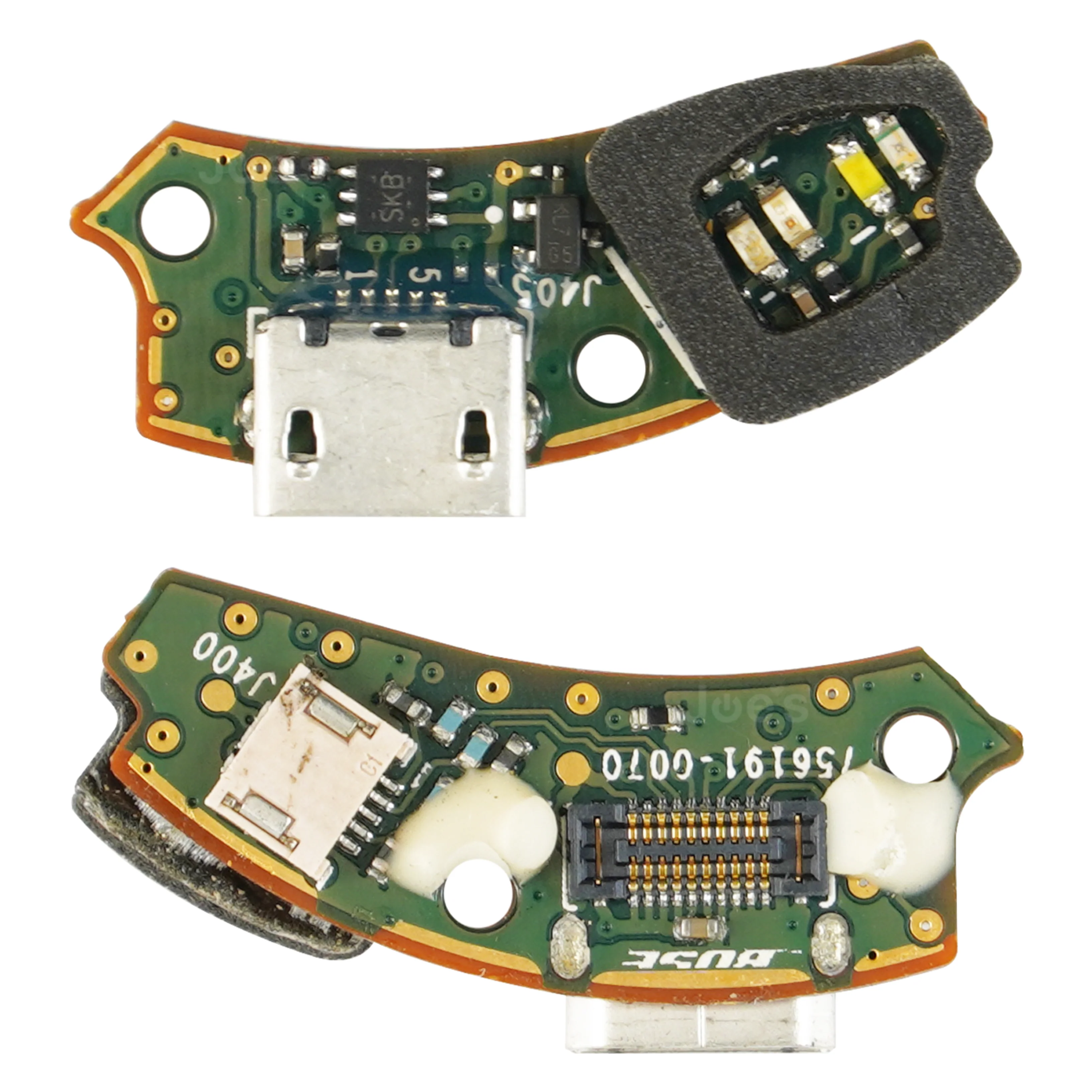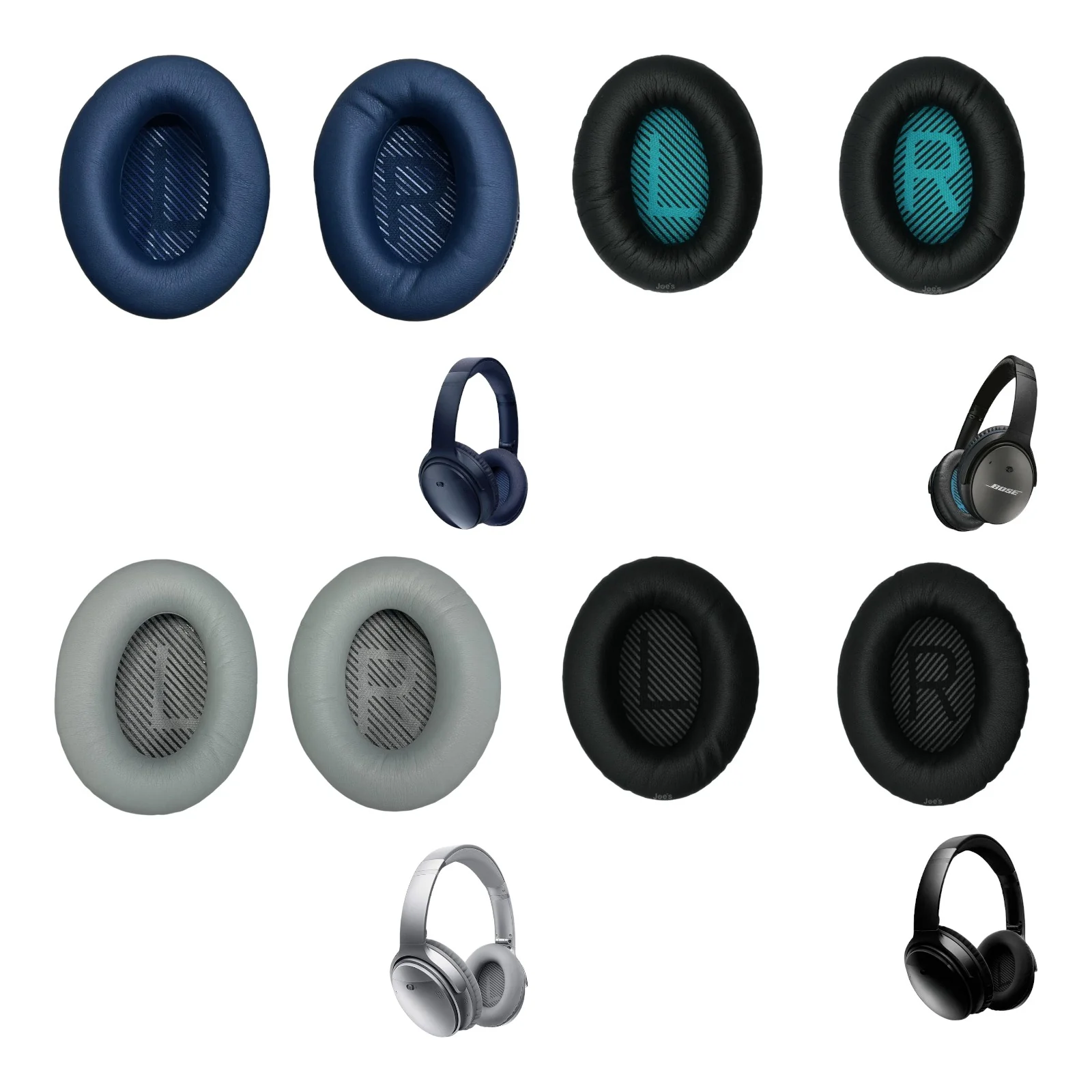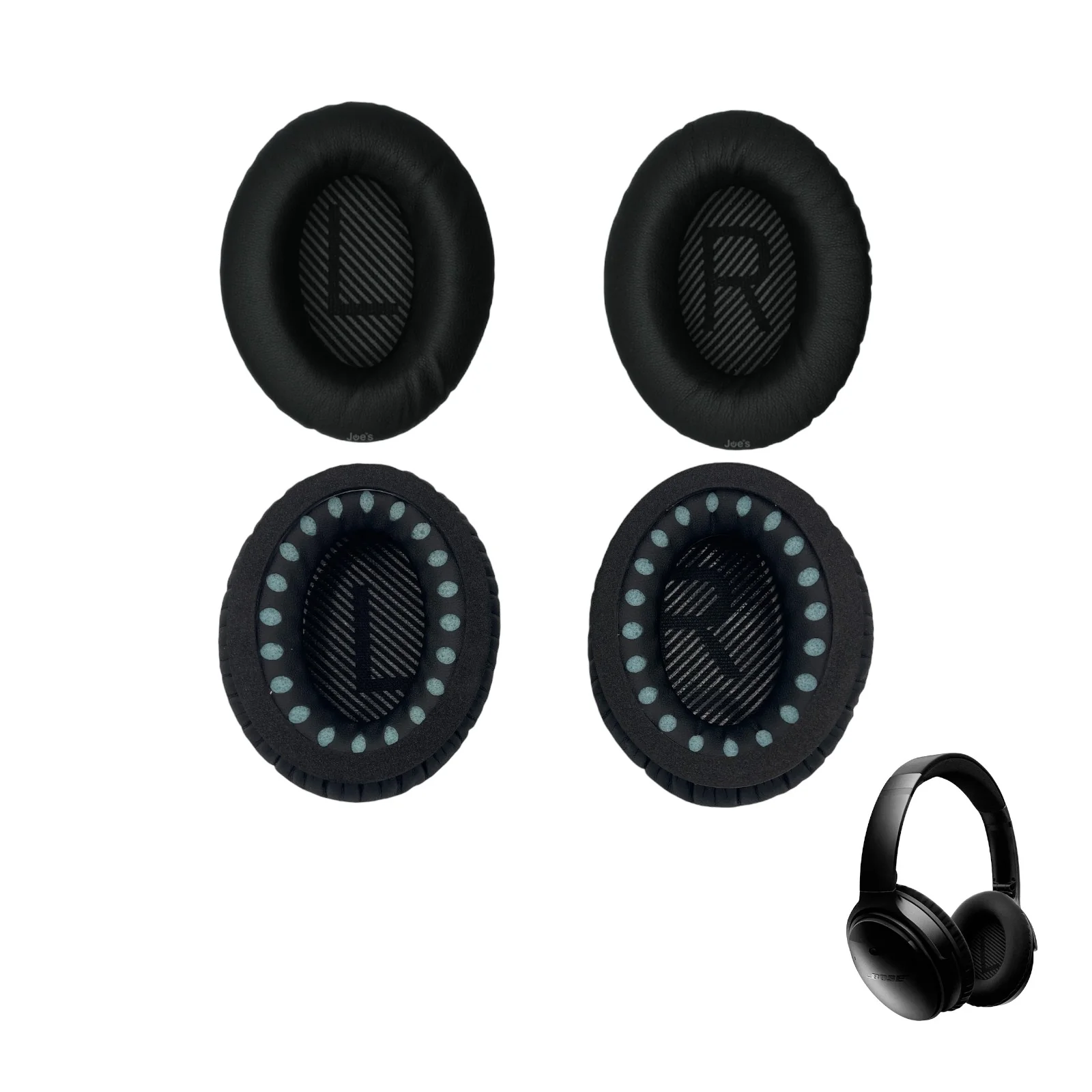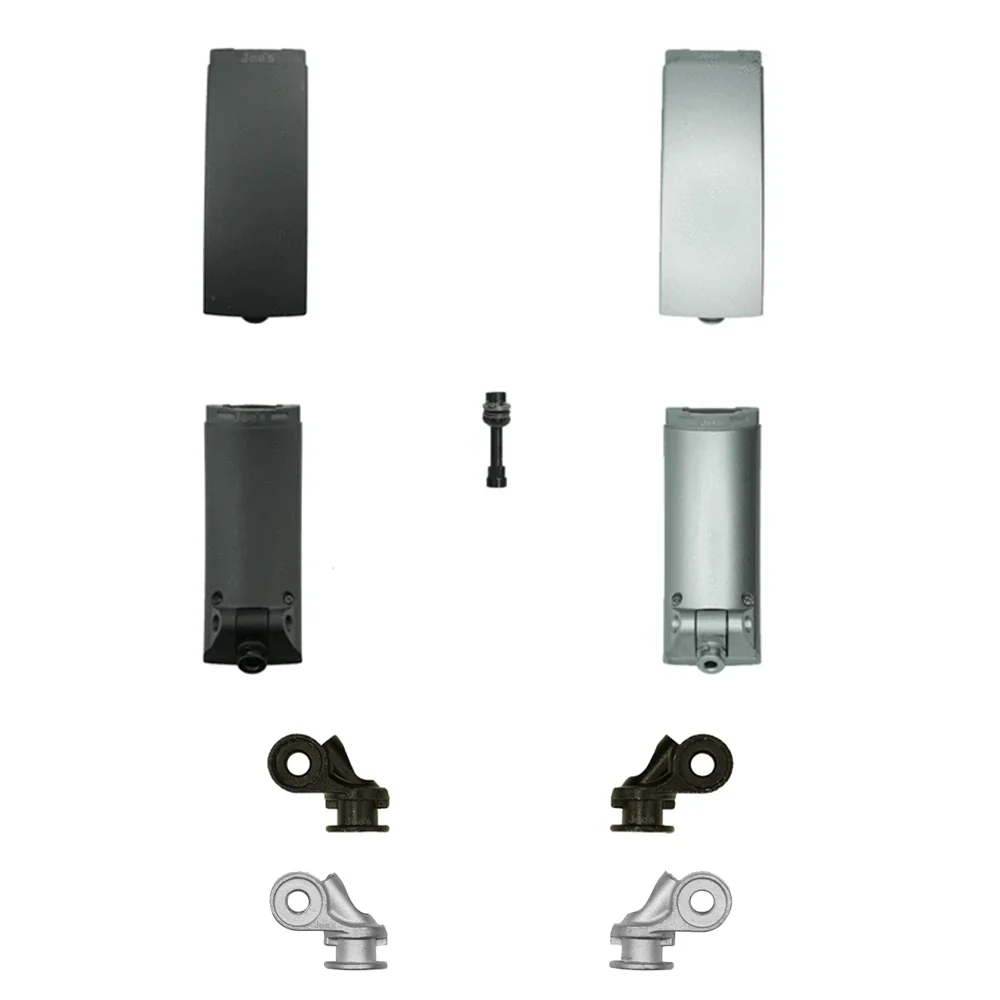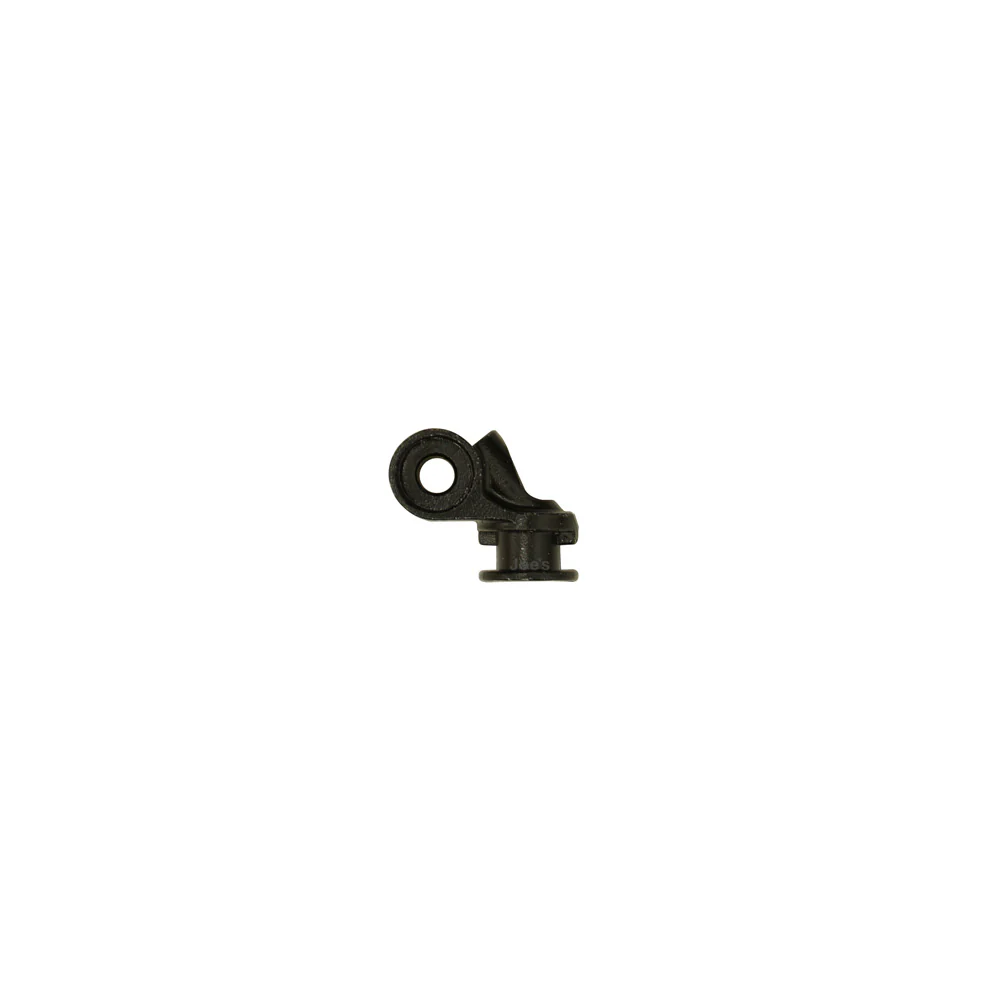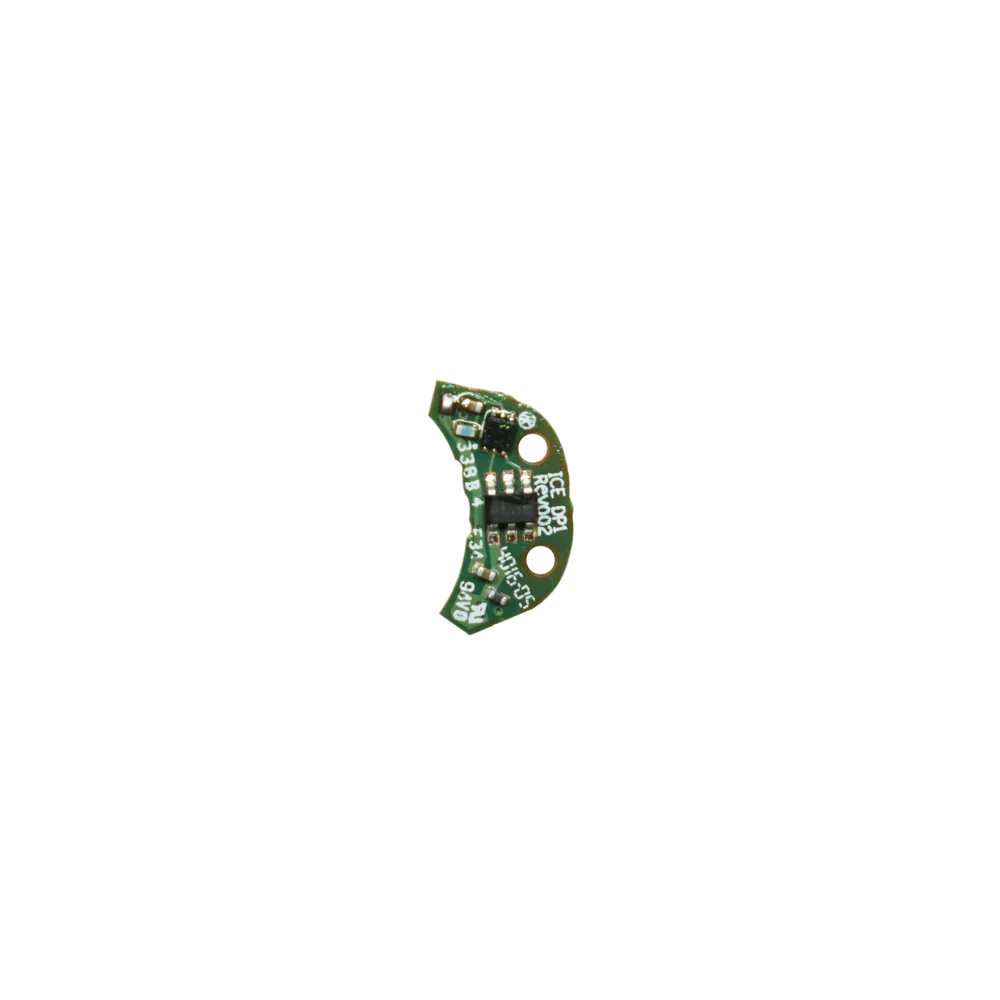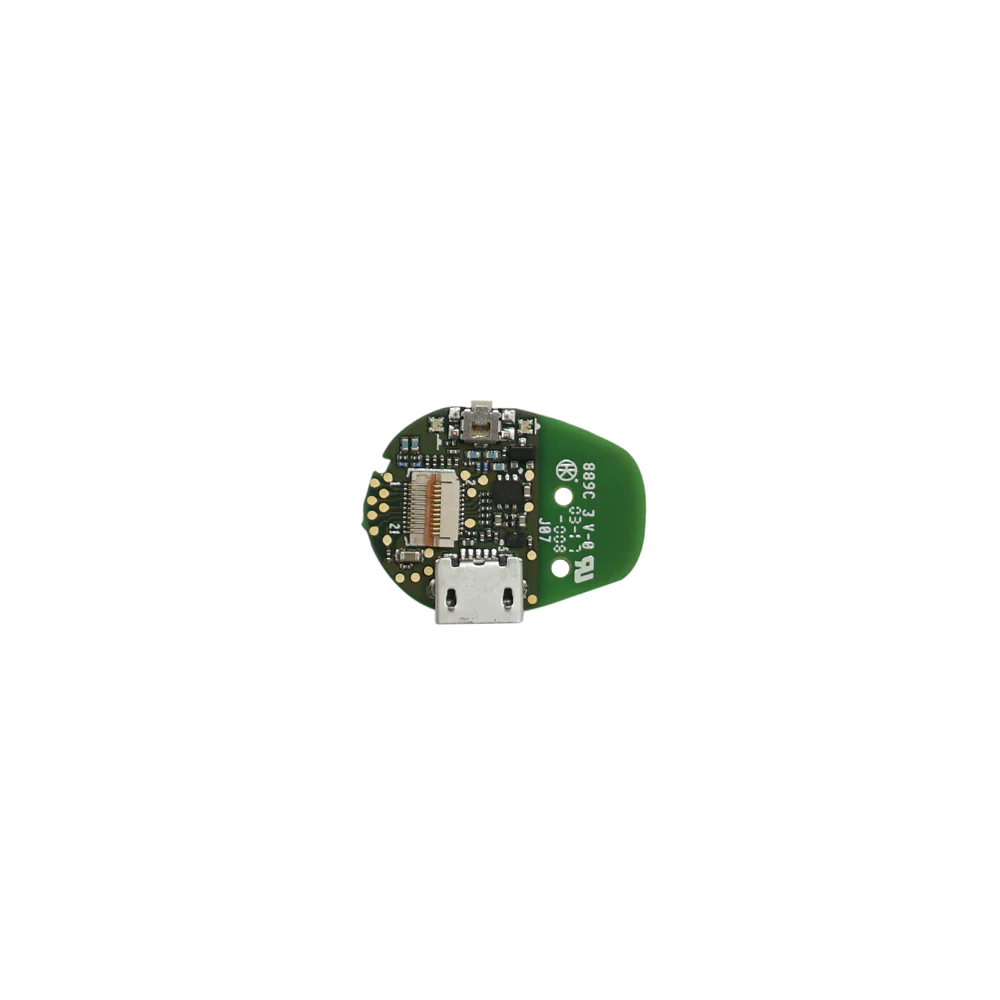
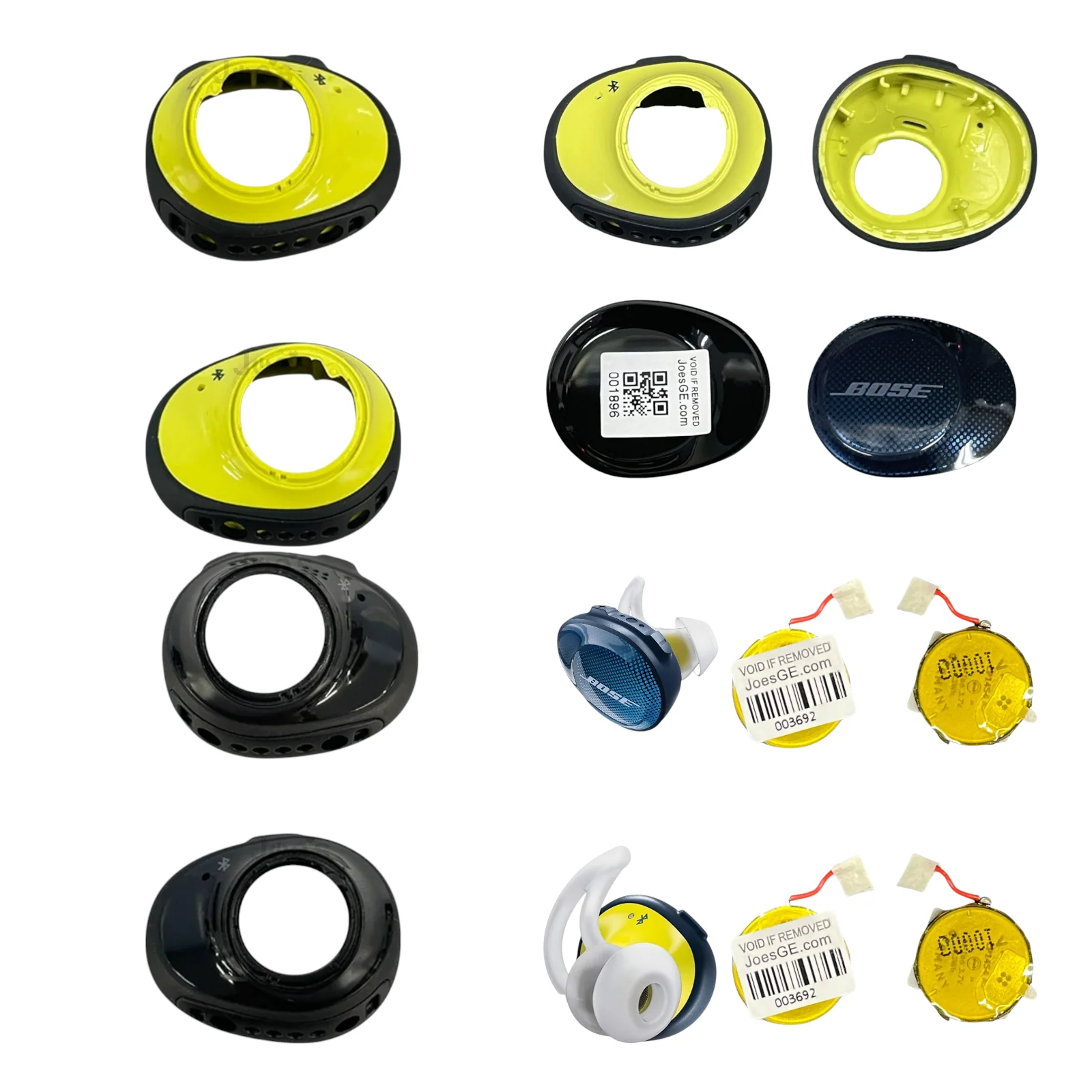
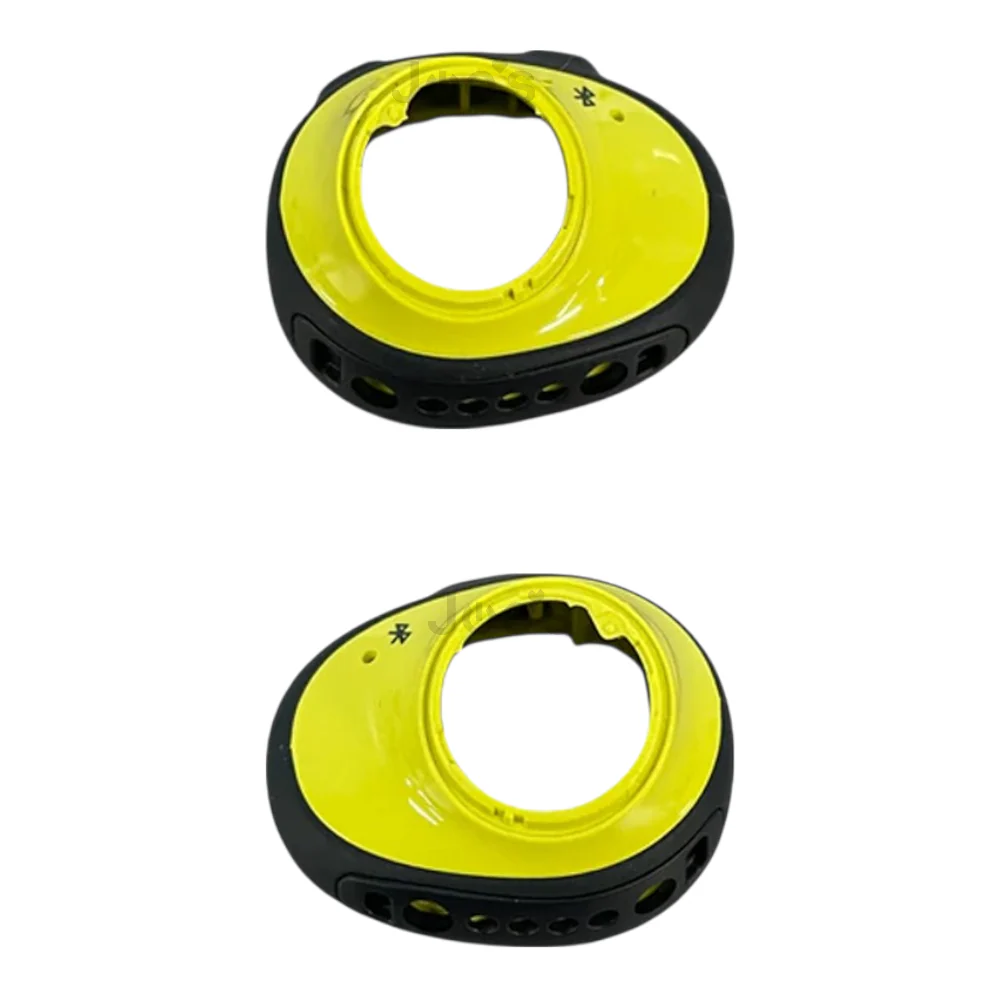
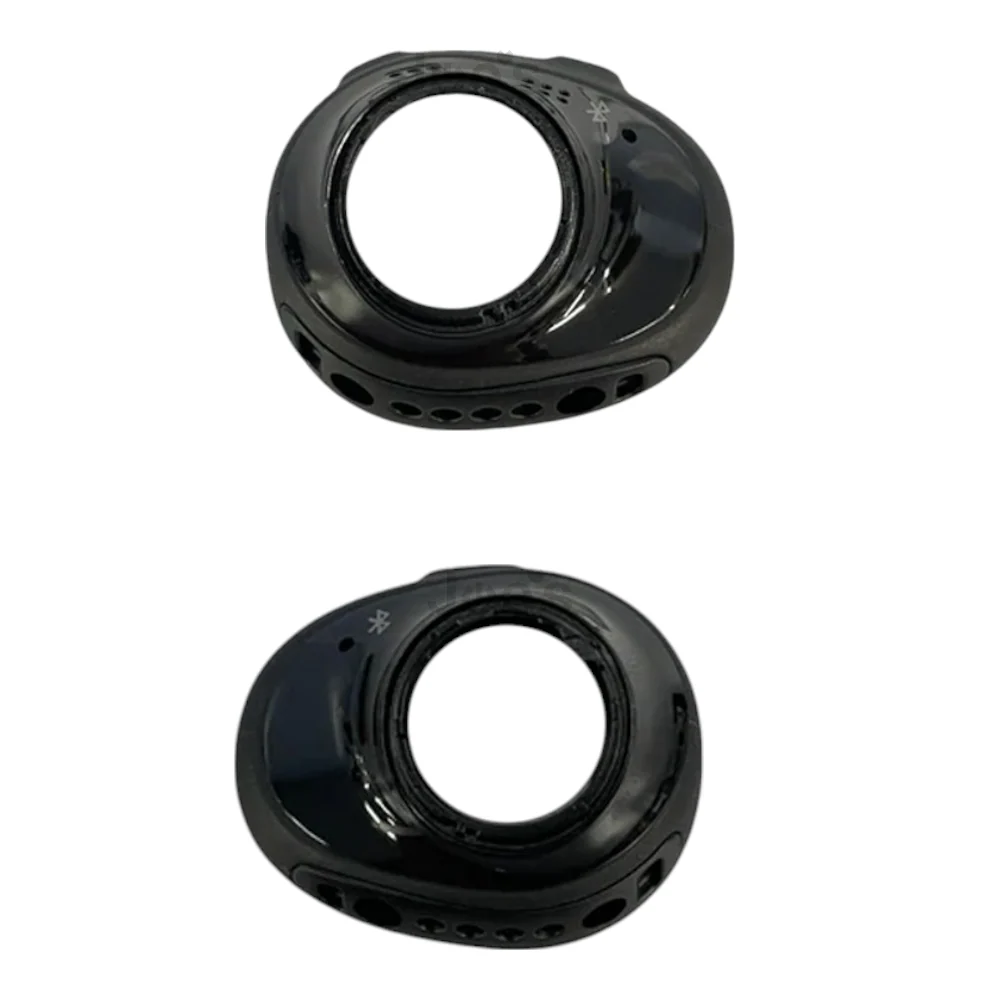
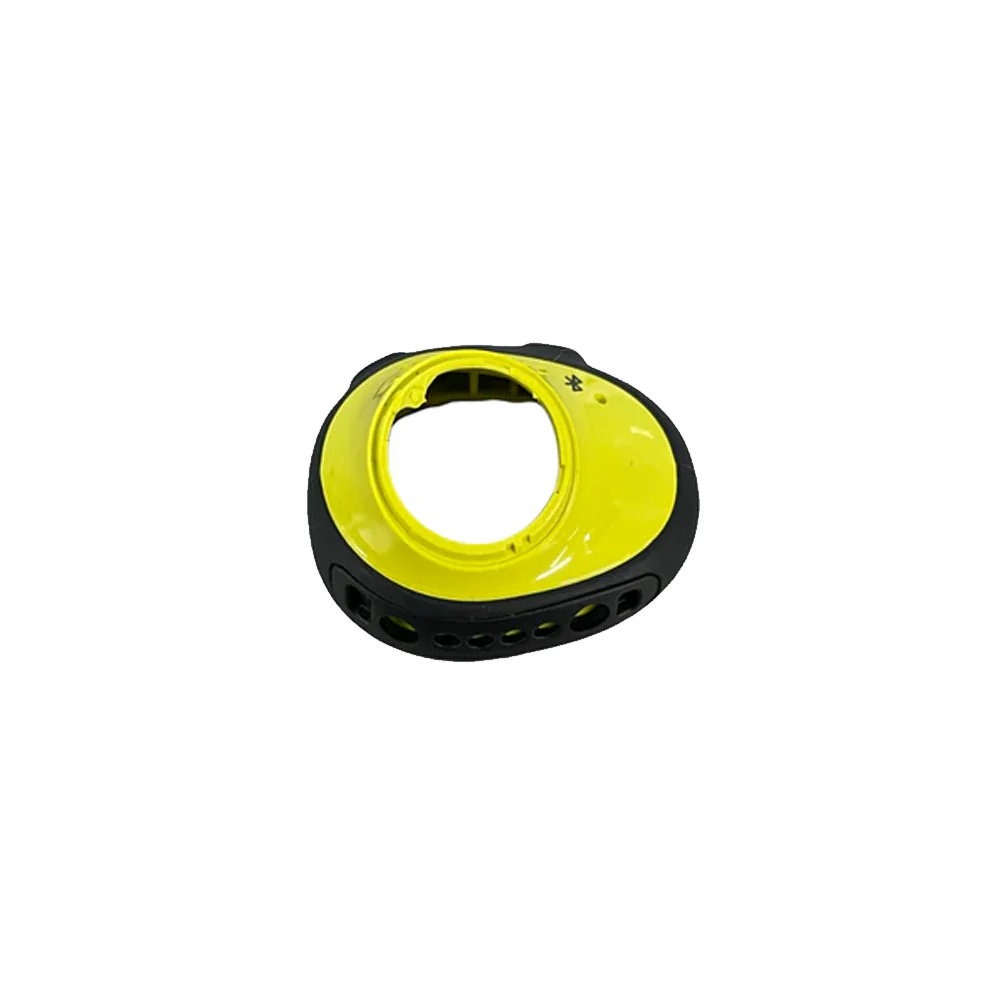
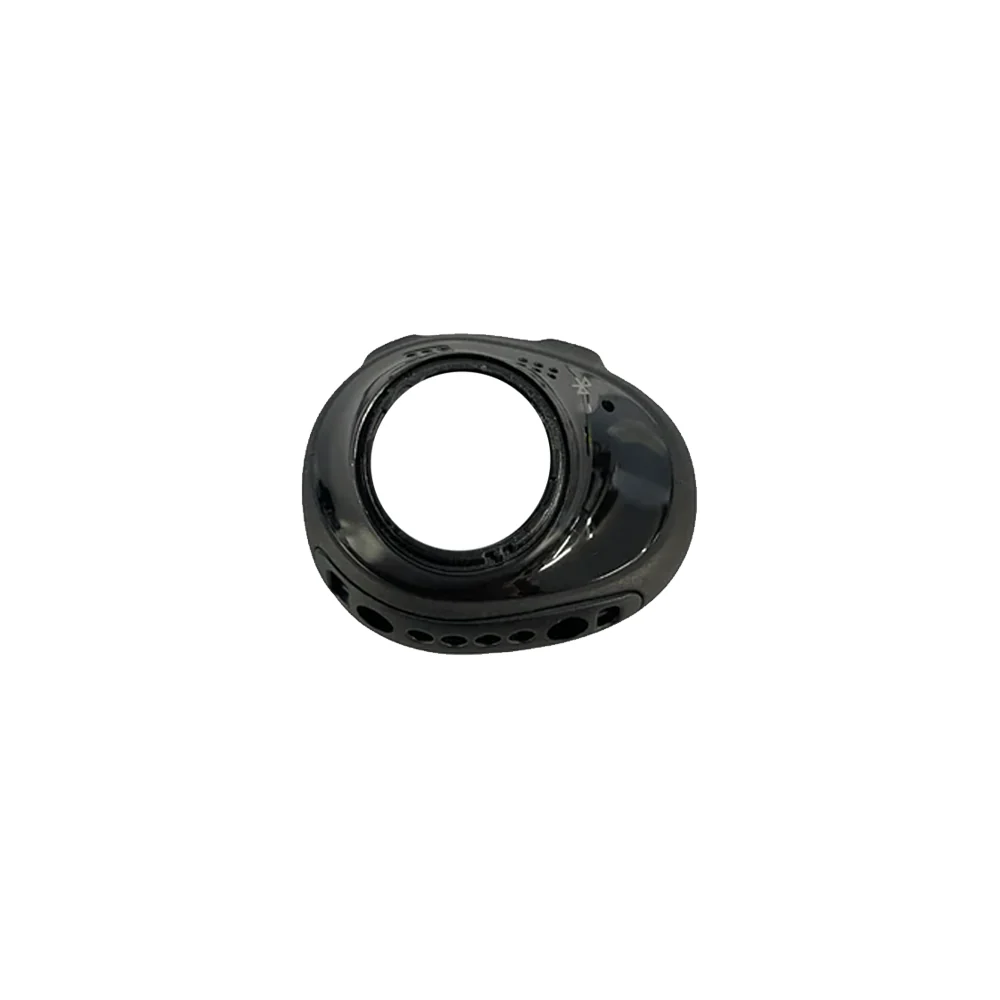
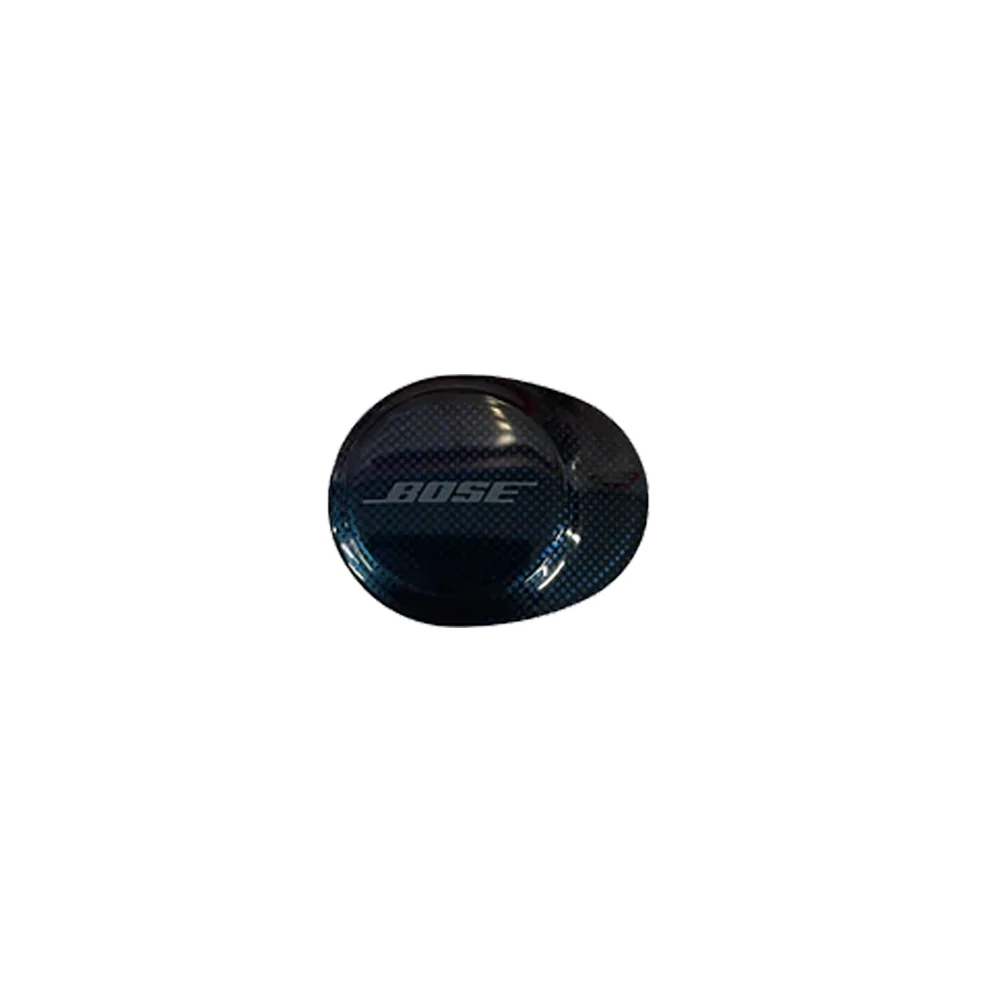
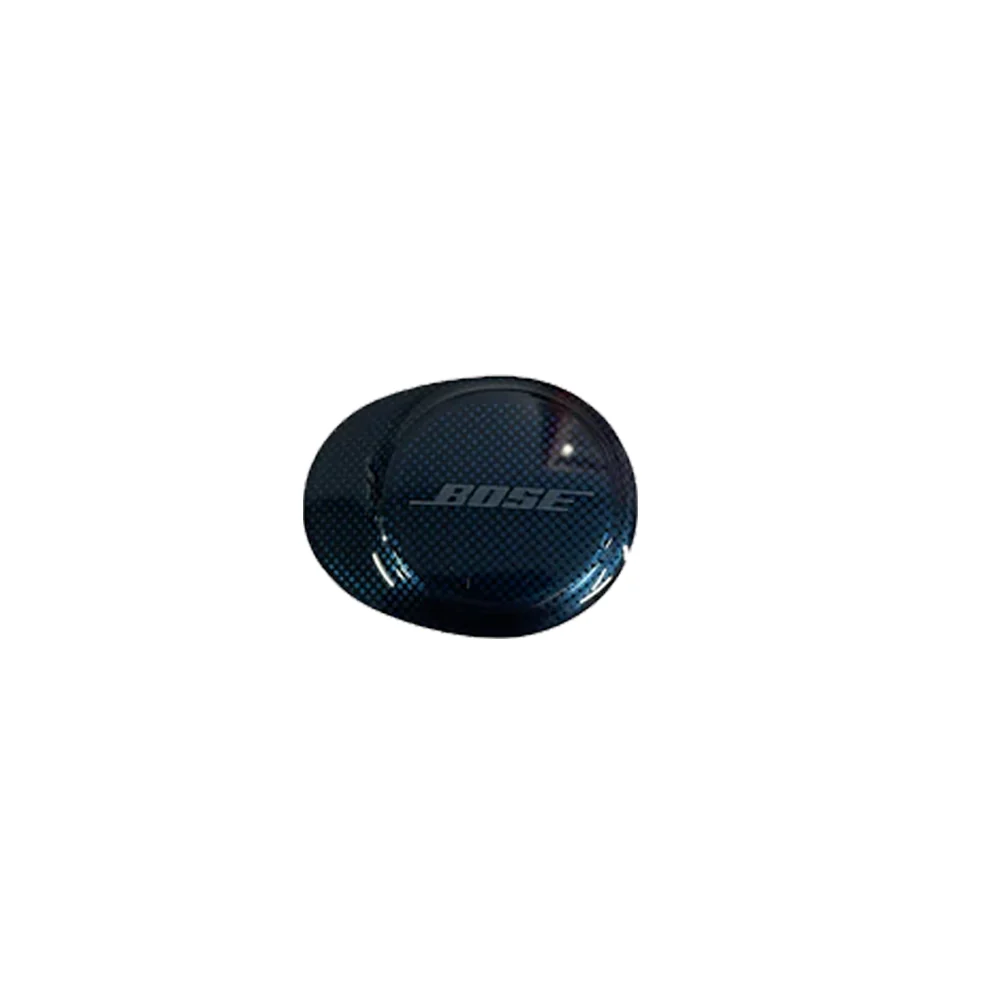
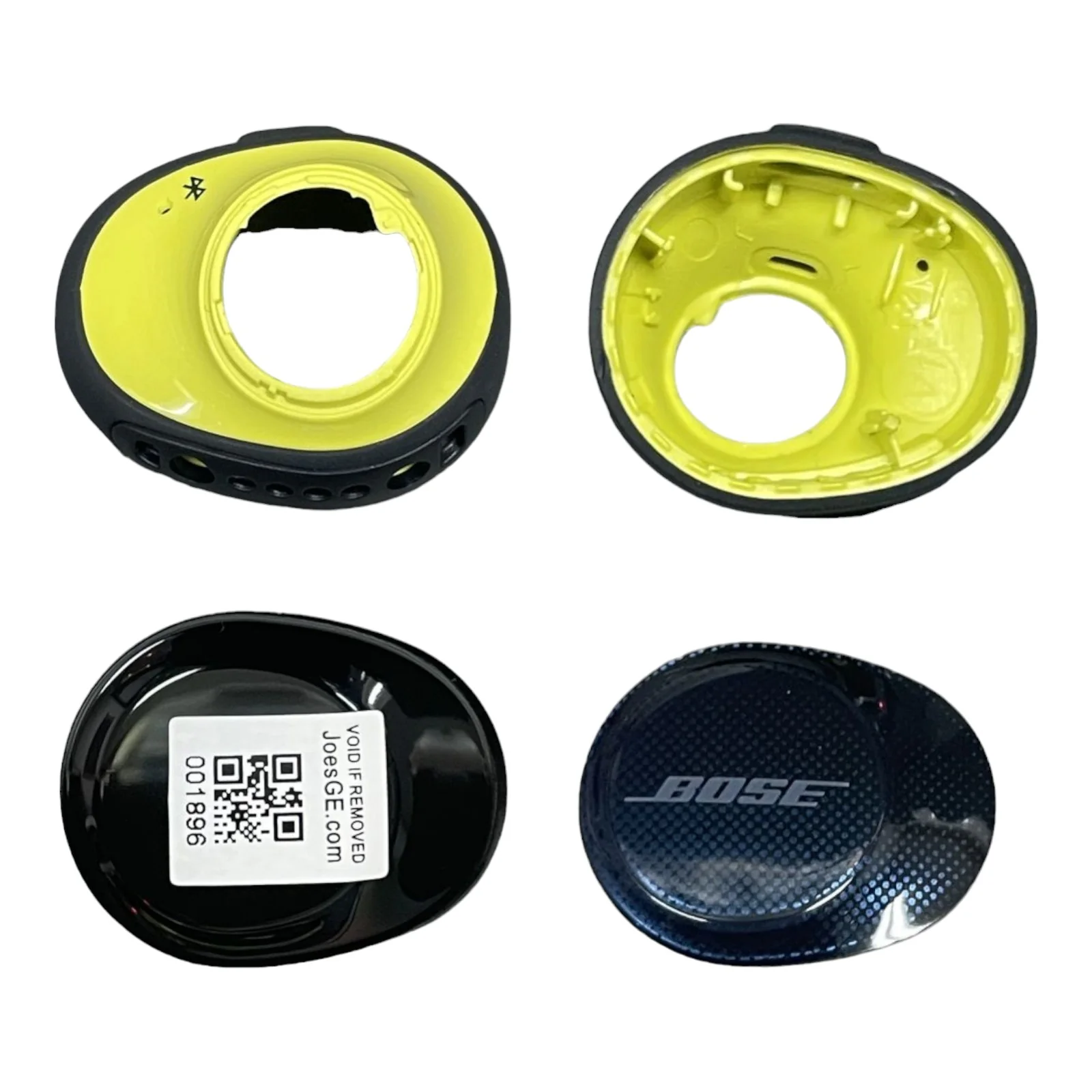
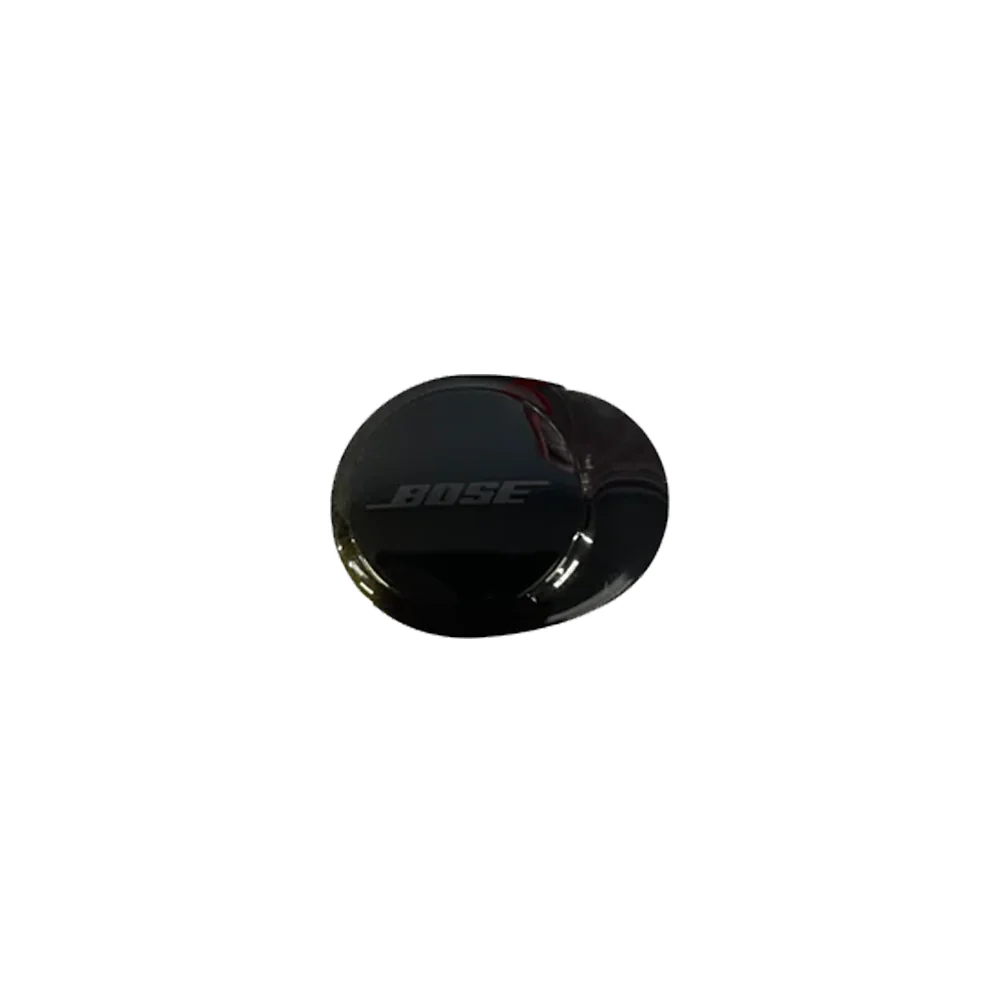
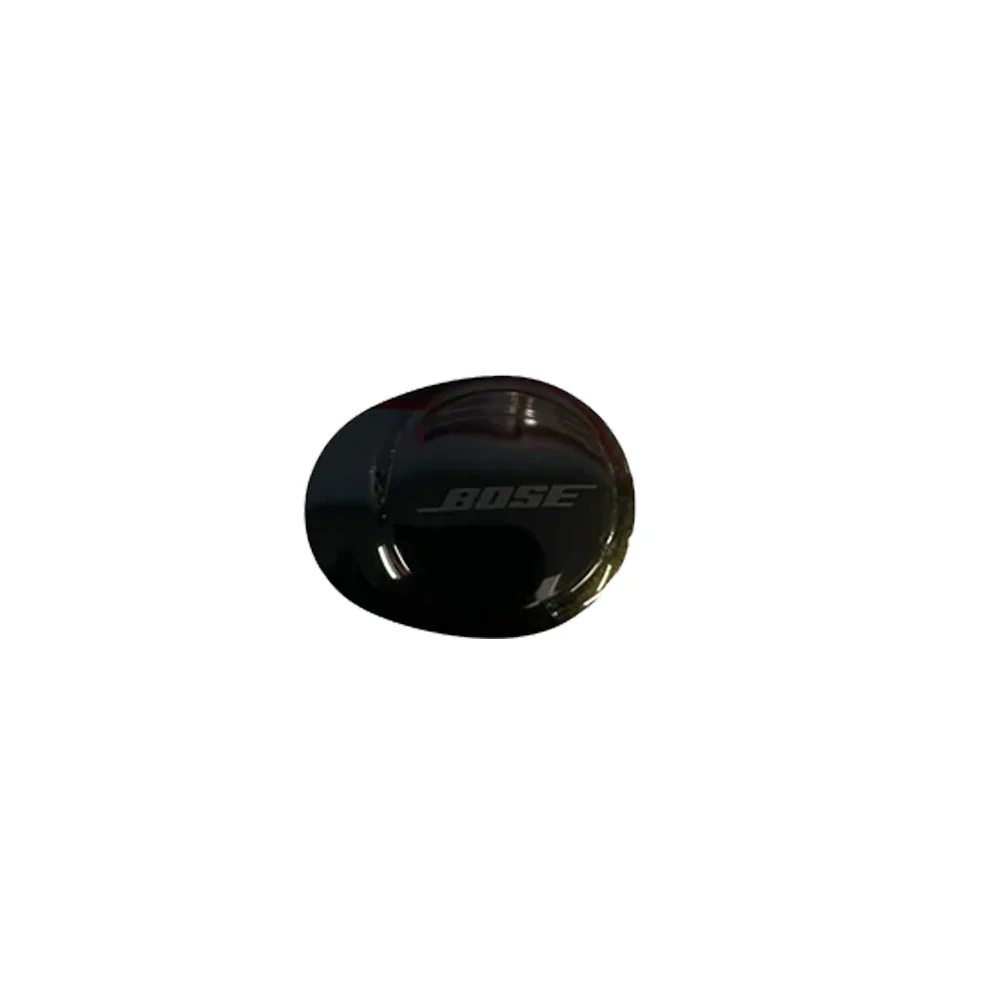
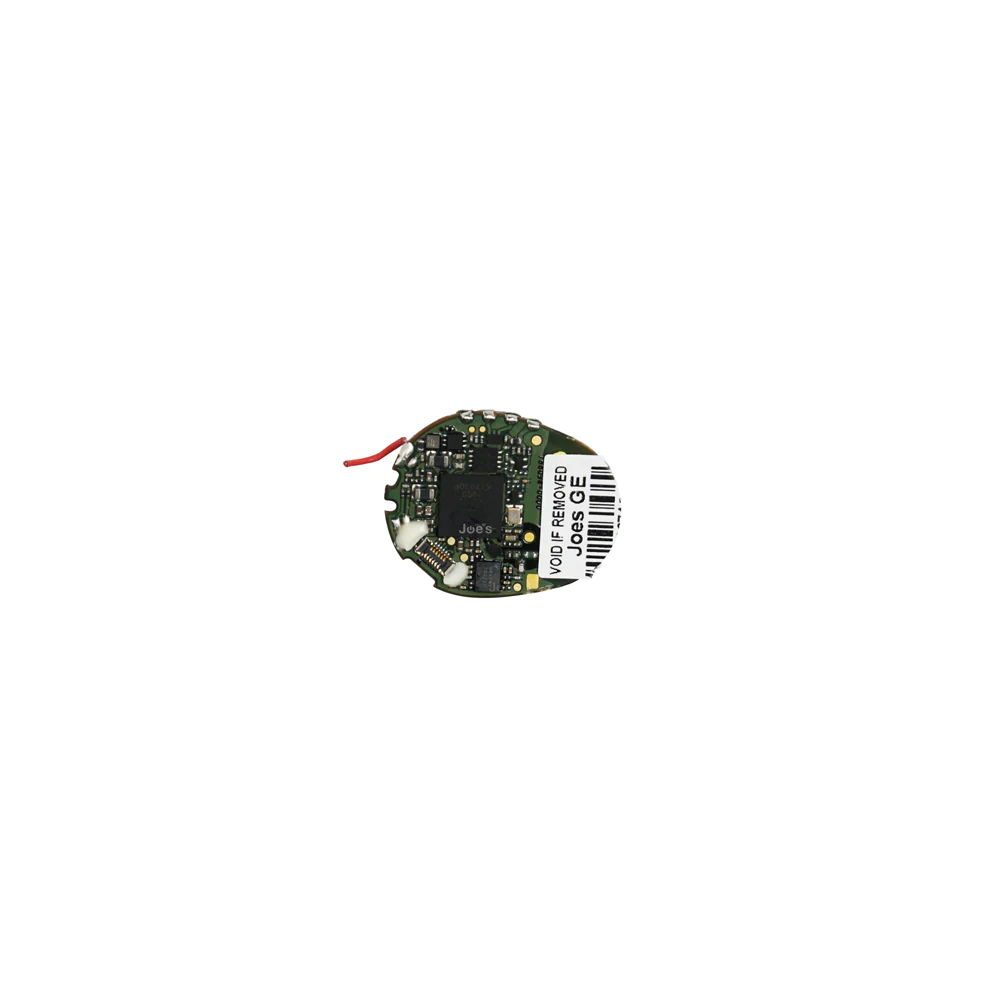
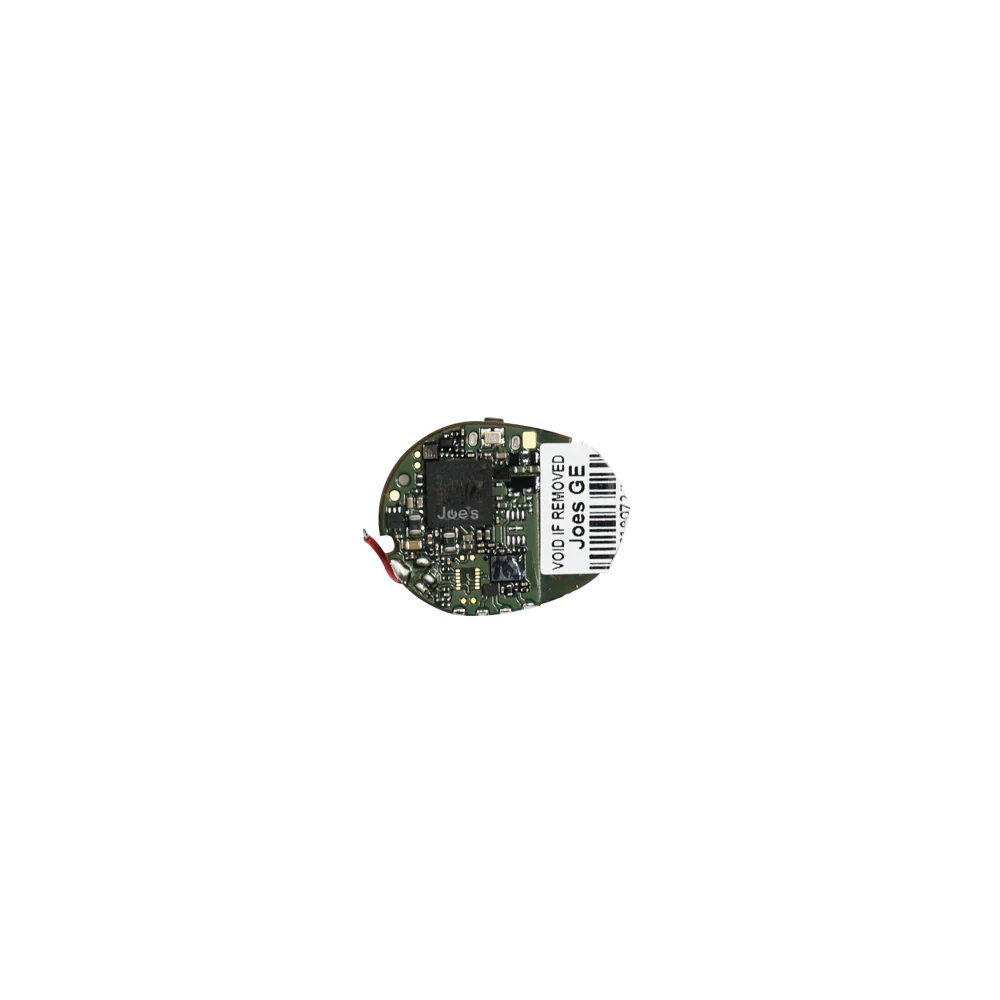
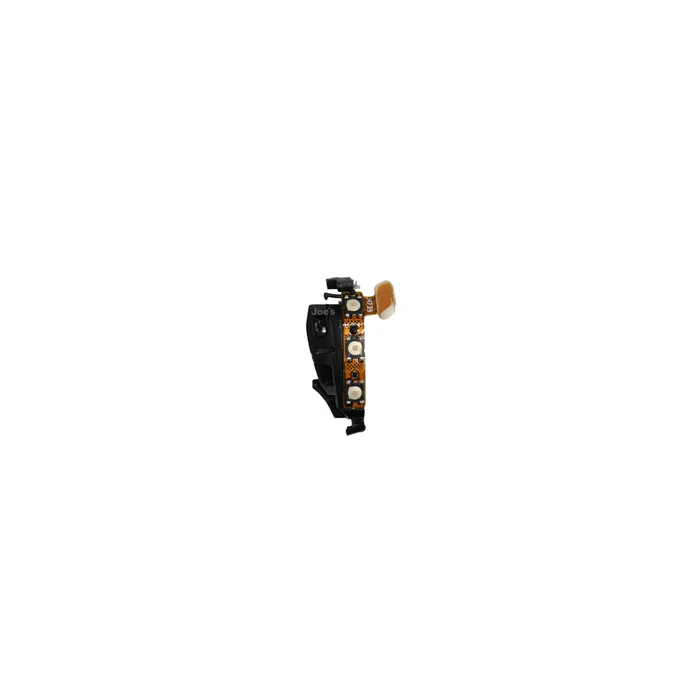
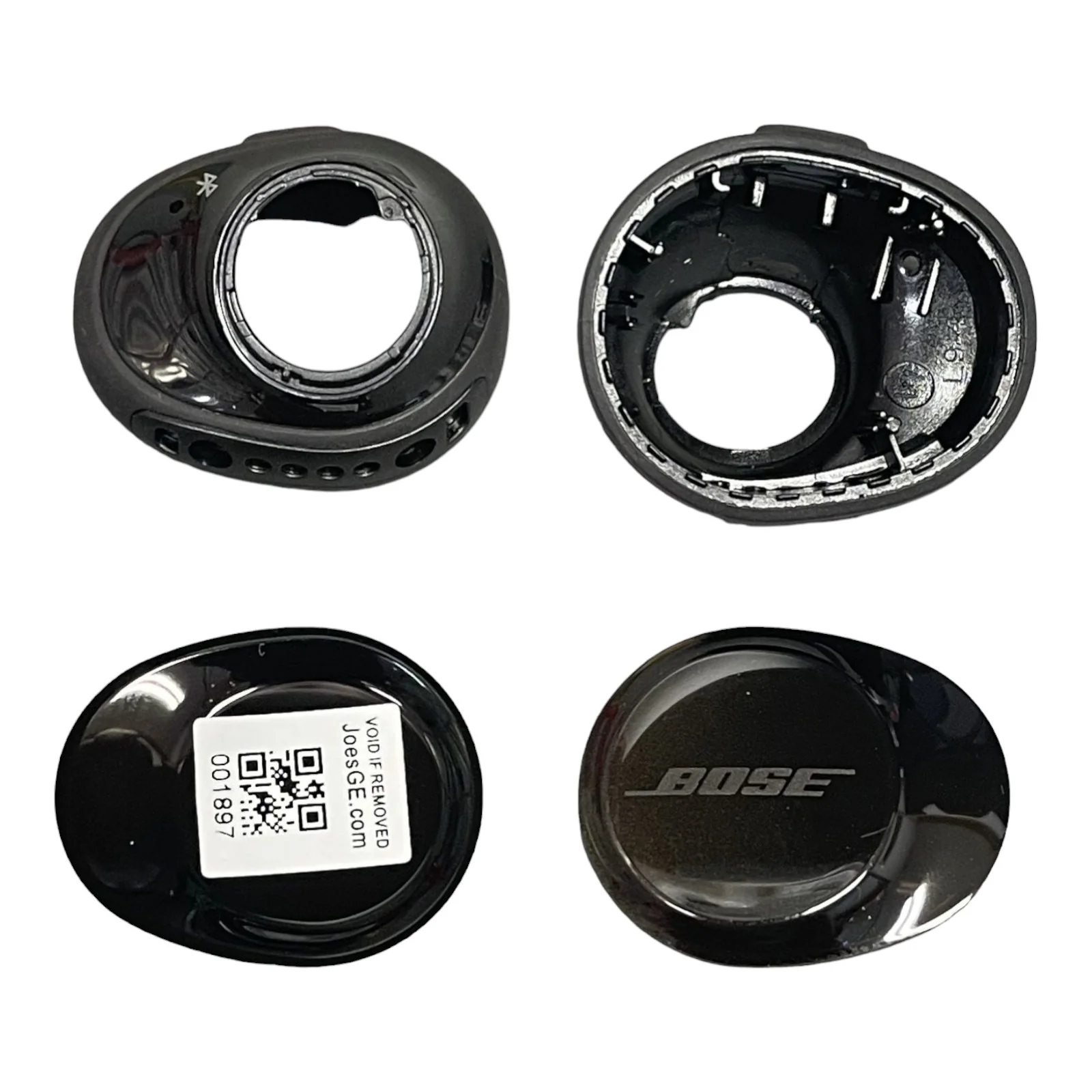
Bose SoundSport Wireless Free Replacement Repair Spare (New) - Parts
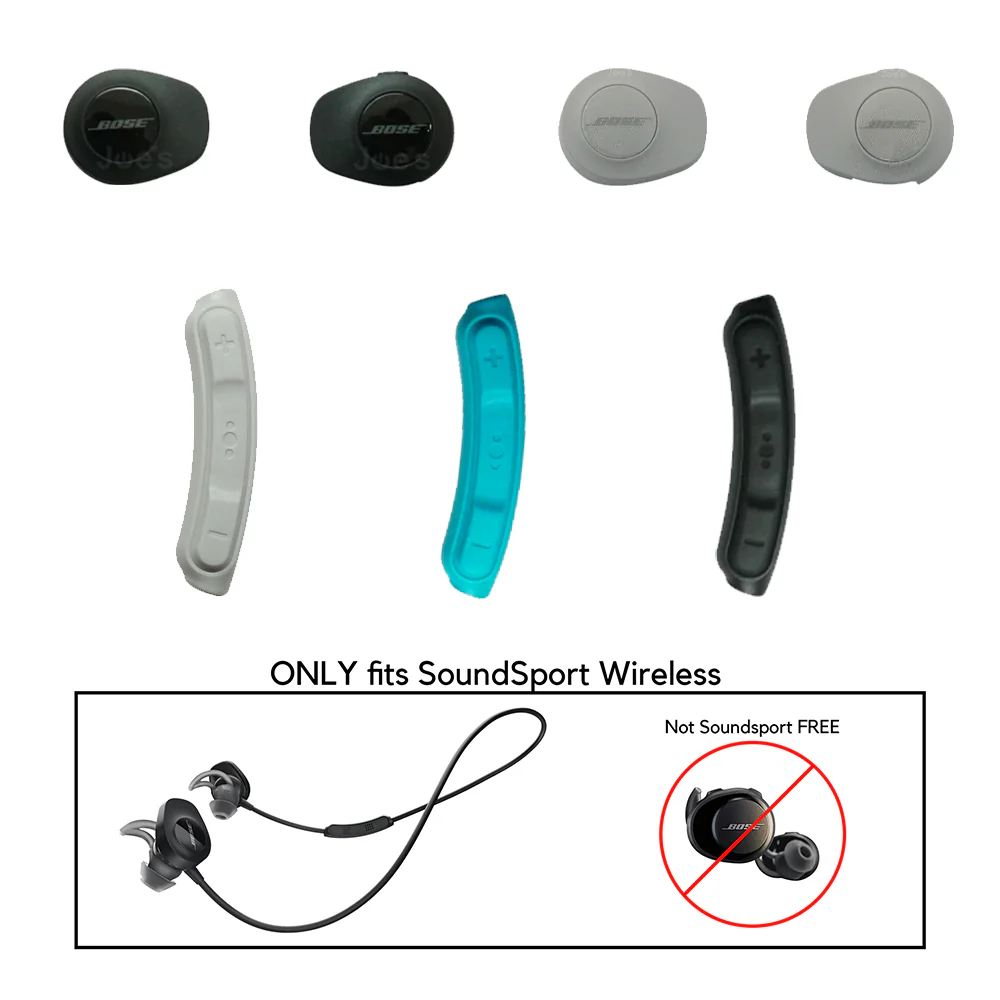
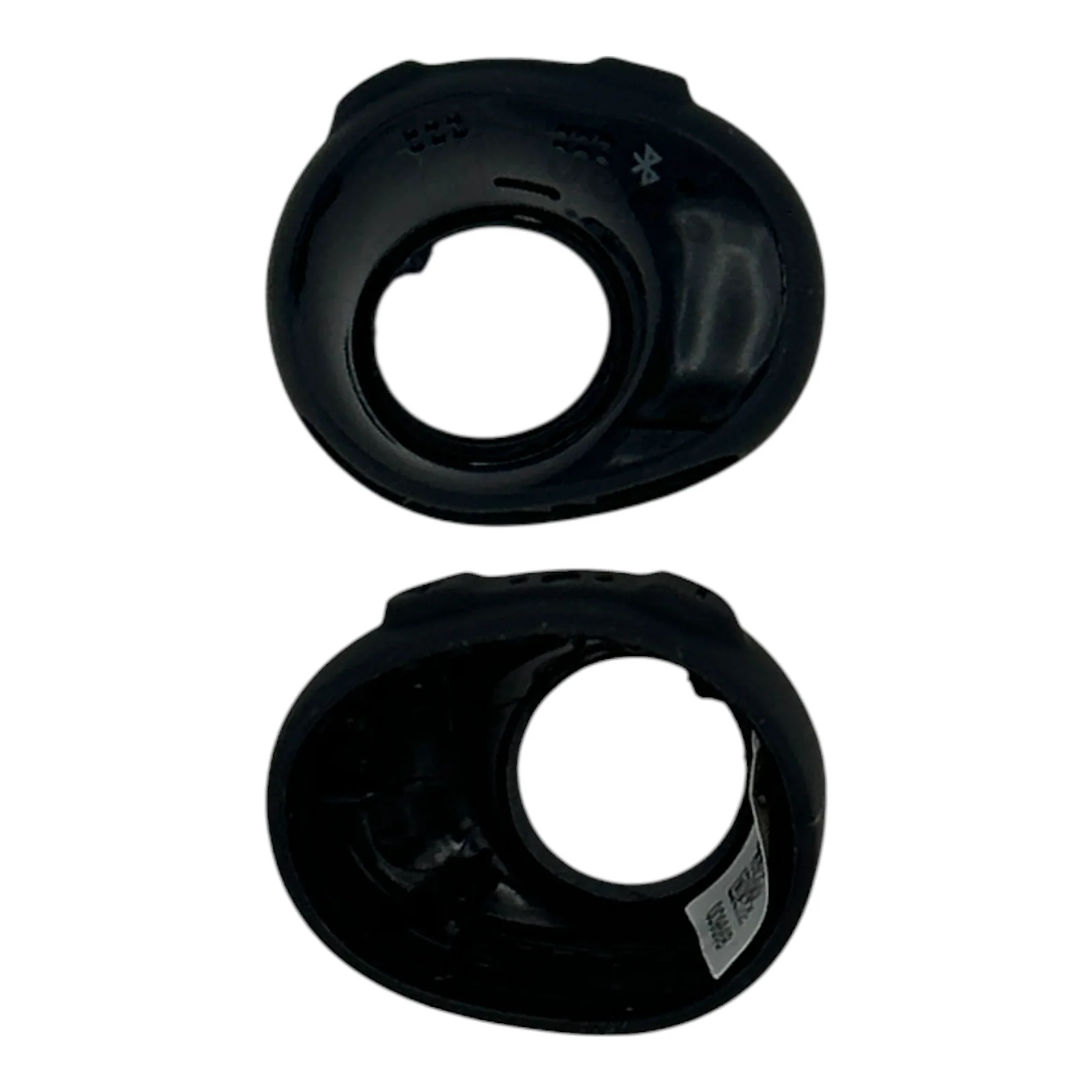
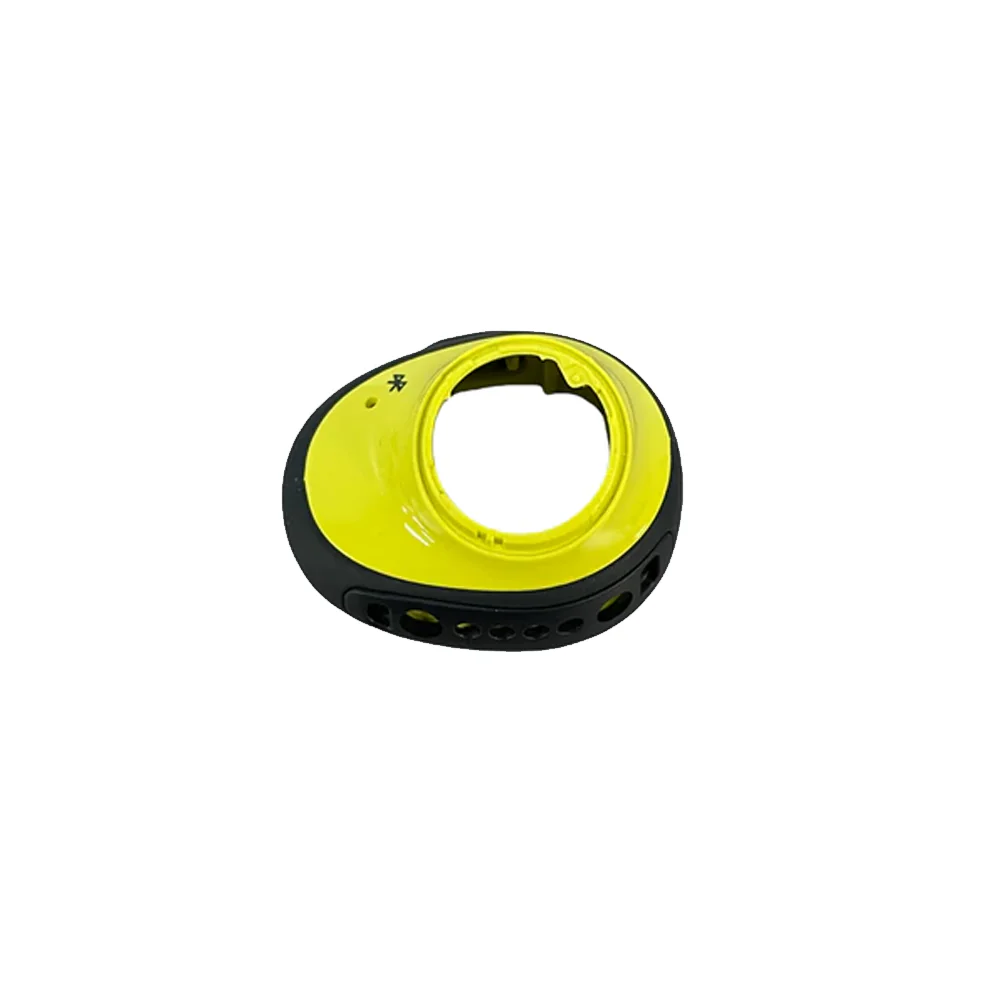
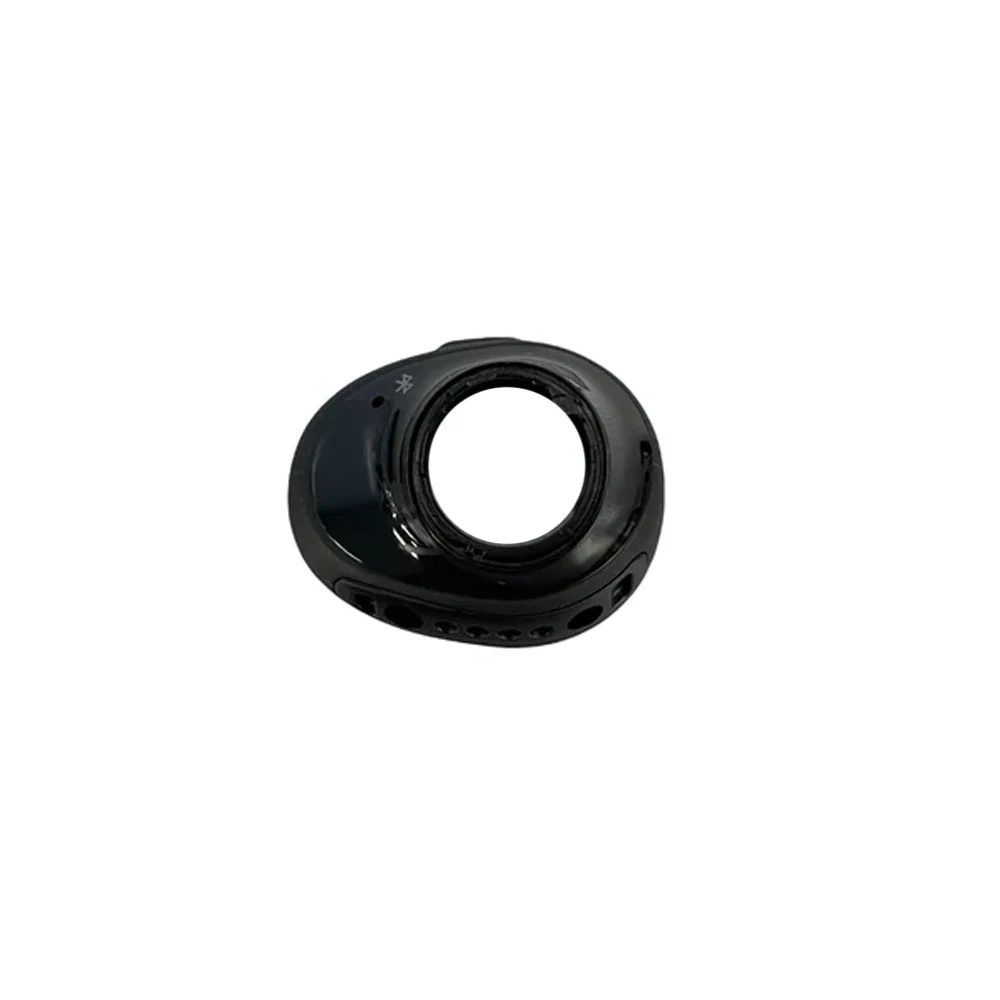
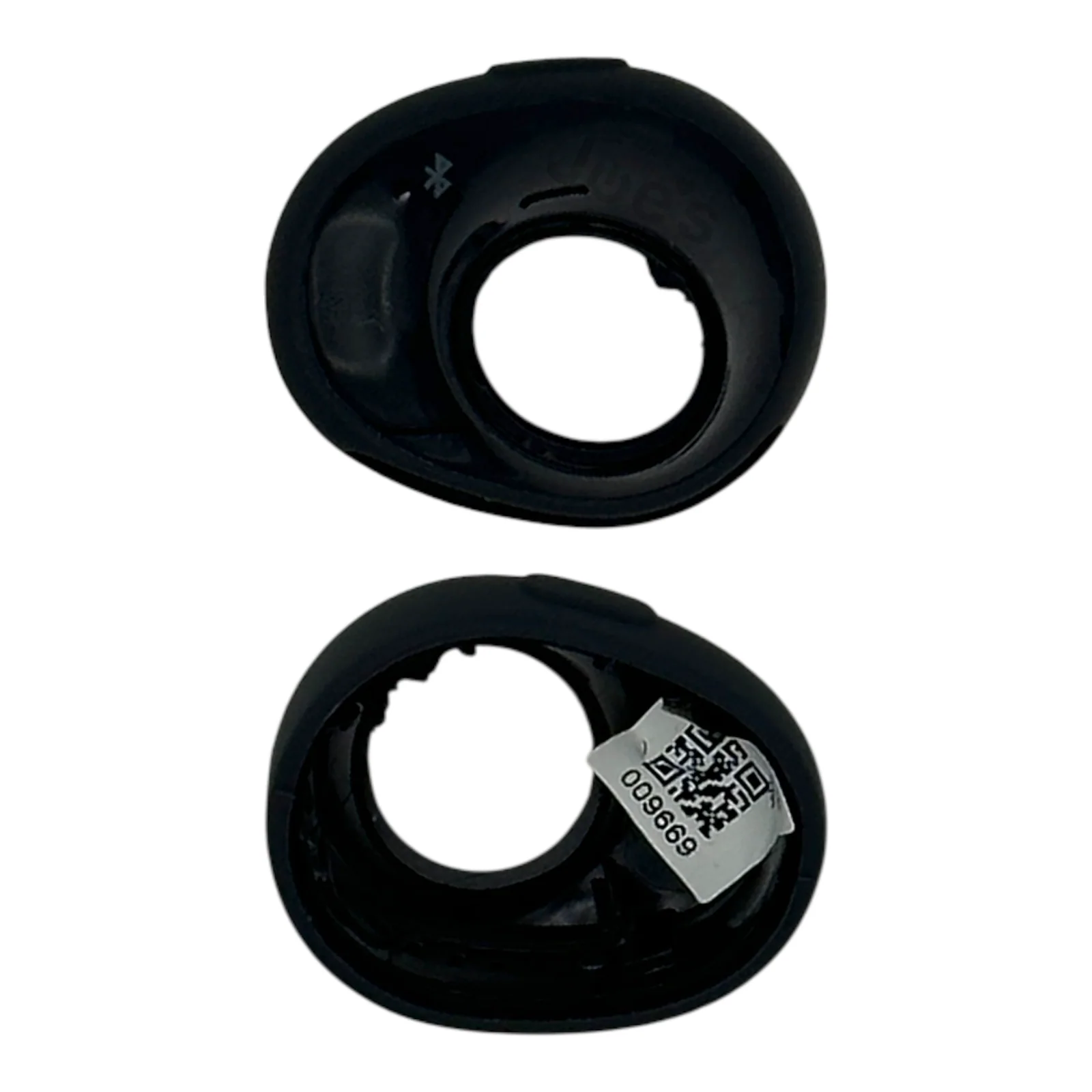
Genuine Bose Soundsport Wireless Free repair parts. These parts will only fit a Soundsport Wireless Free model of earbuds not the Soundsport Wireless.
Note: In order to pair a new main board to your old board you will need to download the Bose Updater app and update your case with earbuds when its plugged into the computer. This will sync your new main board with your old main board to ensure both earbuds play after installation of the new part.
Main Housing Note: Main housing part will not have the charger pins installed you will need to remove those from your used pair and install it onto the new one.
How To Videos:
- Battery Replacement
- Main Board Replacement
- Charger Case Connections
- Earbud Pairing Steps
Product Details:
- Condition: New
- Fits Model: SoundSport Wireless Free
Pairing a new board to your case? Follow these steps. Computer required.
- Step 1. Connect your charging case to your computer with the lid open. This requires a USB-A to Micro USB charger cable. Make sure the computer recognizes the plugged-in device.
- Step 2. Visit btu.bose.com.
- Step 3. For first-time users, make sure to download the Bose Updater software onto your computer before proceeding with step 3 - placing the earbuds into the charging case.
- Step 4 - Wait for the btu.bose.com website to detect your earbuds. It will tell you that the earbuds will need to be updated and they are out of sync. Click "Update Now" to start the updating process. Once this process is over, the two earbuds will be synchronized. Improve the performance of your Bose SoundSport Wireless Free earbuds with ease. The btu.bose.com website will detect when updates are needed and quickly sync up your earbuds for optimal audio quality. Get up to date and stay in sync with just the click of a button.
Original: $15.00
-65%$15.00
$5.25More Images
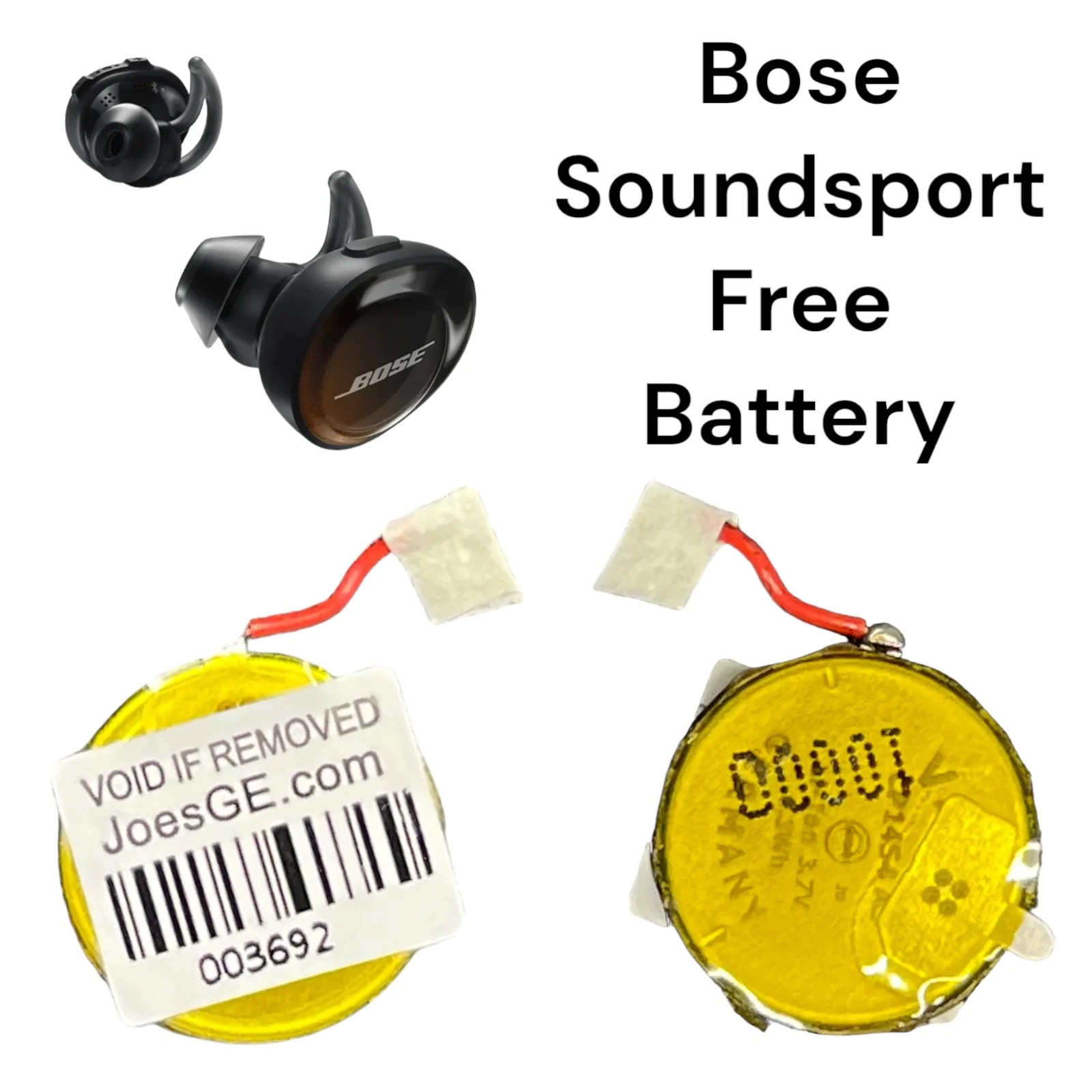
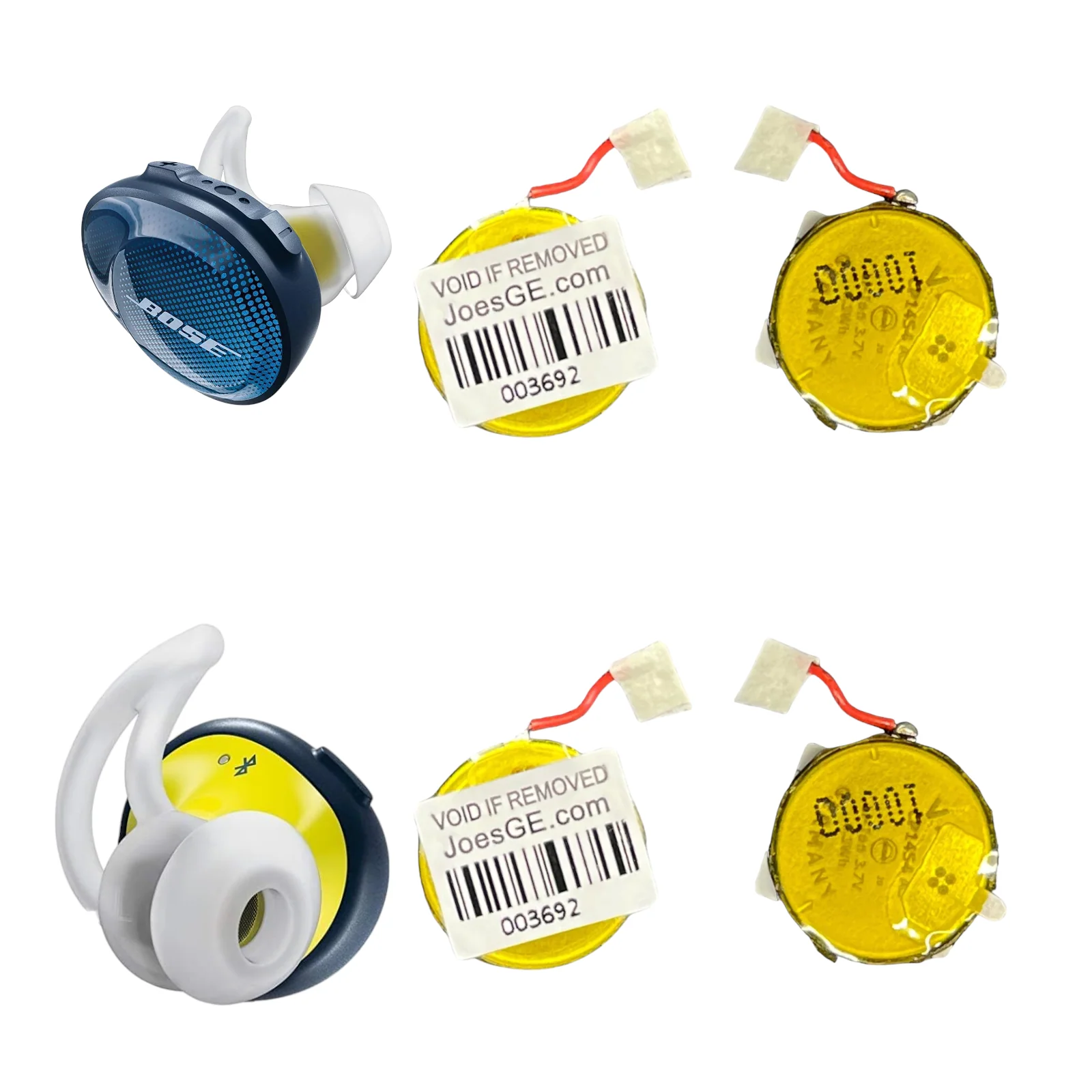
Bose SoundSport Wireless Free Replacement Repair Spare (New) - Parts
Genuine Bose Soundsport Wireless Free repair parts. These parts will only fit a Soundsport Wireless Free model of earbuds not the Soundsport Wireless.
Note: In order to pair a new main board to your old board you will need to download the Bose Updater app and update your case with earbuds when its plugged into the computer. This will sync your new main board with your old main board to ensure both earbuds play after installation of the new part.
Main Housing Note: Main housing part will not have the charger pins installed you will need to remove those from your used pair and install it onto the new one.
How To Videos:
- Battery Replacement
- Main Board Replacement
- Charger Case Connections
- Earbud Pairing Steps
Product Details:
- Condition: New
- Fits Model: SoundSport Wireless Free
Pairing a new board to your case? Follow these steps. Computer required.
- Step 1. Connect your charging case to your computer with the lid open. This requires a USB-A to Micro USB charger cable. Make sure the computer recognizes the plugged-in device.
- Step 2. Visit btu.bose.com.
- Step 3. For first-time users, make sure to download the Bose Updater software onto your computer before proceeding with step 3 - placing the earbuds into the charging case.
- Step 4 - Wait for the btu.bose.com website to detect your earbuds. It will tell you that the earbuds will need to be updated and they are out of sync. Click "Update Now" to start the updating process. Once this process is over, the two earbuds will be synchronized. Improve the performance of your Bose SoundSport Wireless Free earbuds with ease. The btu.bose.com website will detect when updates are needed and quickly sync up your earbuds for optimal audio quality. Get up to date and stay in sync with just the click of a button.
Product Information
Product Information
Shipping & Returns
Shipping & Returns
Description
Genuine Bose Soundsport Wireless Free repair parts. These parts will only fit a Soundsport Wireless Free model of earbuds not the Soundsport Wireless.
Note: In order to pair a new main board to your old board you will need to download the Bose Updater app and update your case with earbuds when its plugged into the computer. This will sync your new main board with your old main board to ensure both earbuds play after installation of the new part.
Main Housing Note: Main housing part will not have the charger pins installed you will need to remove those from your used pair and install it onto the new one.
How To Videos:
- Battery Replacement
- Main Board Replacement
- Charger Case Connections
- Earbud Pairing Steps
Product Details:
- Condition: New
- Fits Model: SoundSport Wireless Free
Pairing a new board to your case? Follow these steps. Computer required.
- Step 1. Connect your charging case to your computer with the lid open. This requires a USB-A to Micro USB charger cable. Make sure the computer recognizes the plugged-in device.
- Step 2. Visit btu.bose.com.
- Step 3. For first-time users, make sure to download the Bose Updater software onto your computer before proceeding with step 3 - placing the earbuds into the charging case.
- Step 4 - Wait for the btu.bose.com website to detect your earbuds. It will tell you that the earbuds will need to be updated and they are out of sync. Click "Update Now" to start the updating process. Once this process is over, the two earbuds will be synchronized. Improve the performance of your Bose SoundSport Wireless Free earbuds with ease. The btu.bose.com website will detect when updates are needed and quickly sync up your earbuds for optimal audio quality. Get up to date and stay in sync with just the click of a button.