Beats Solo Pro Wireless Die-Cut Ear Pad Cushion Adhesive Tape
Beats Solo Pro Wireless Die-Cut Ear Pad Cushion Adhesive Tape
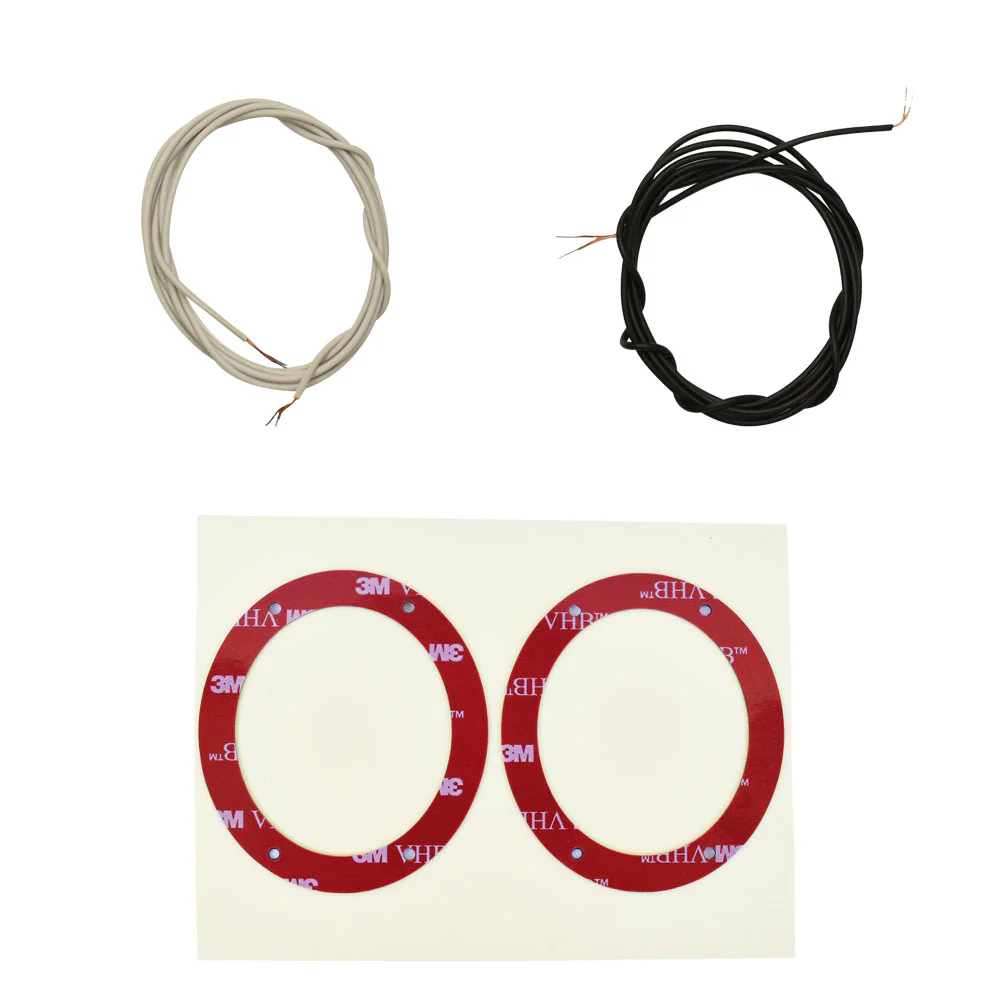
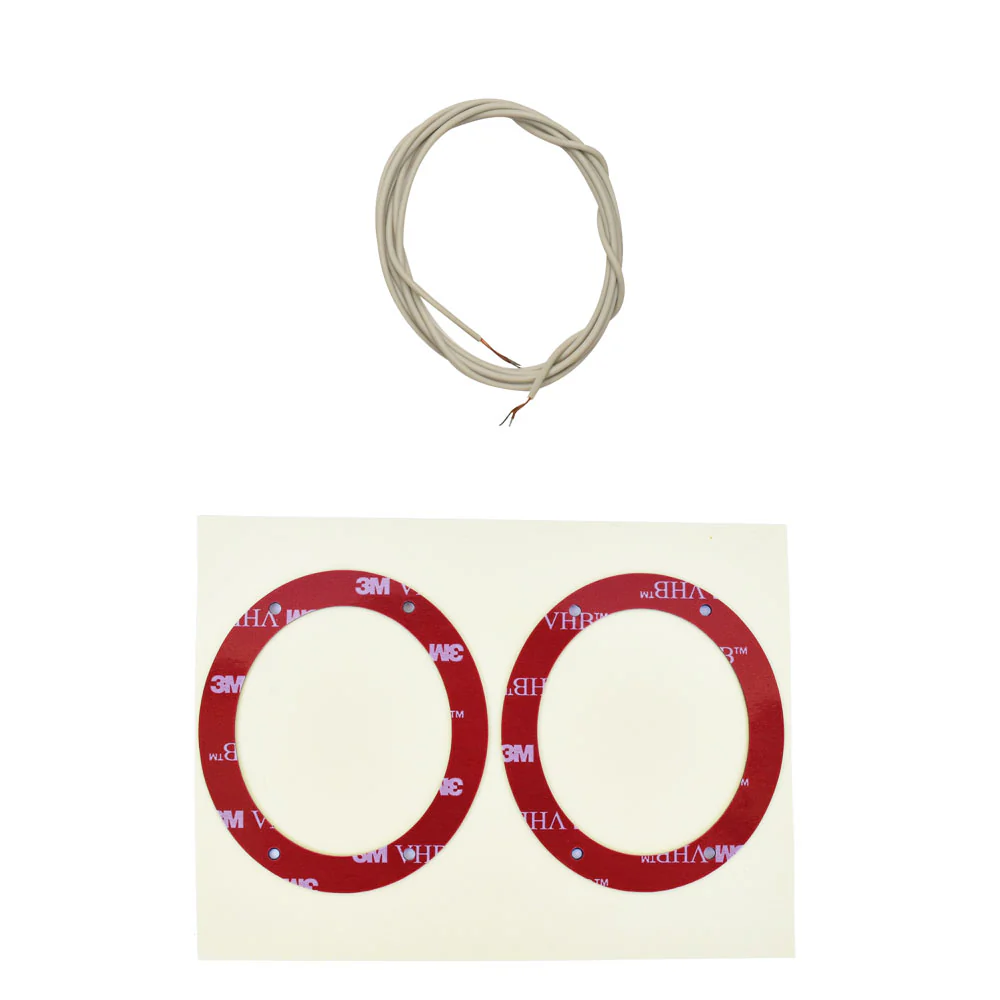
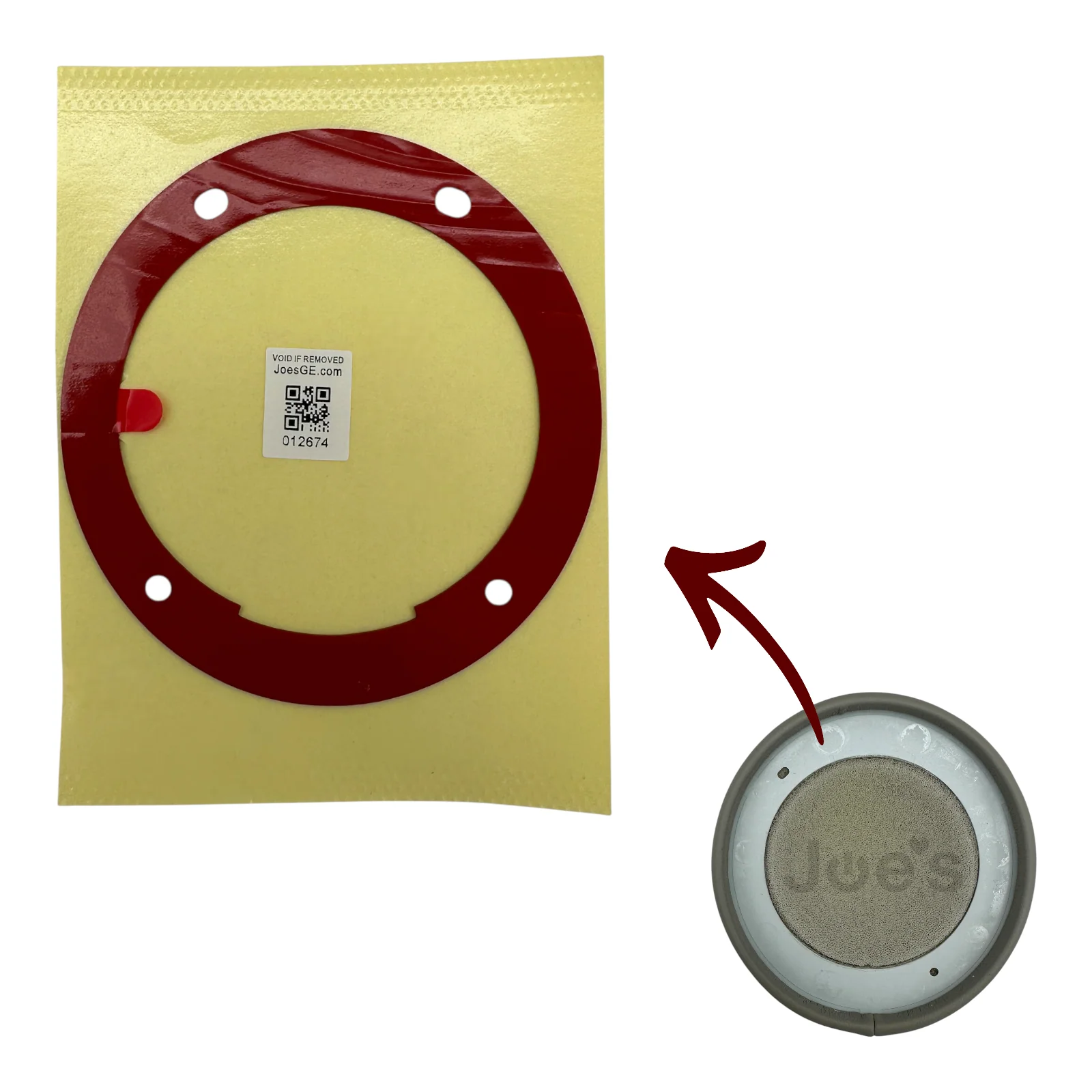
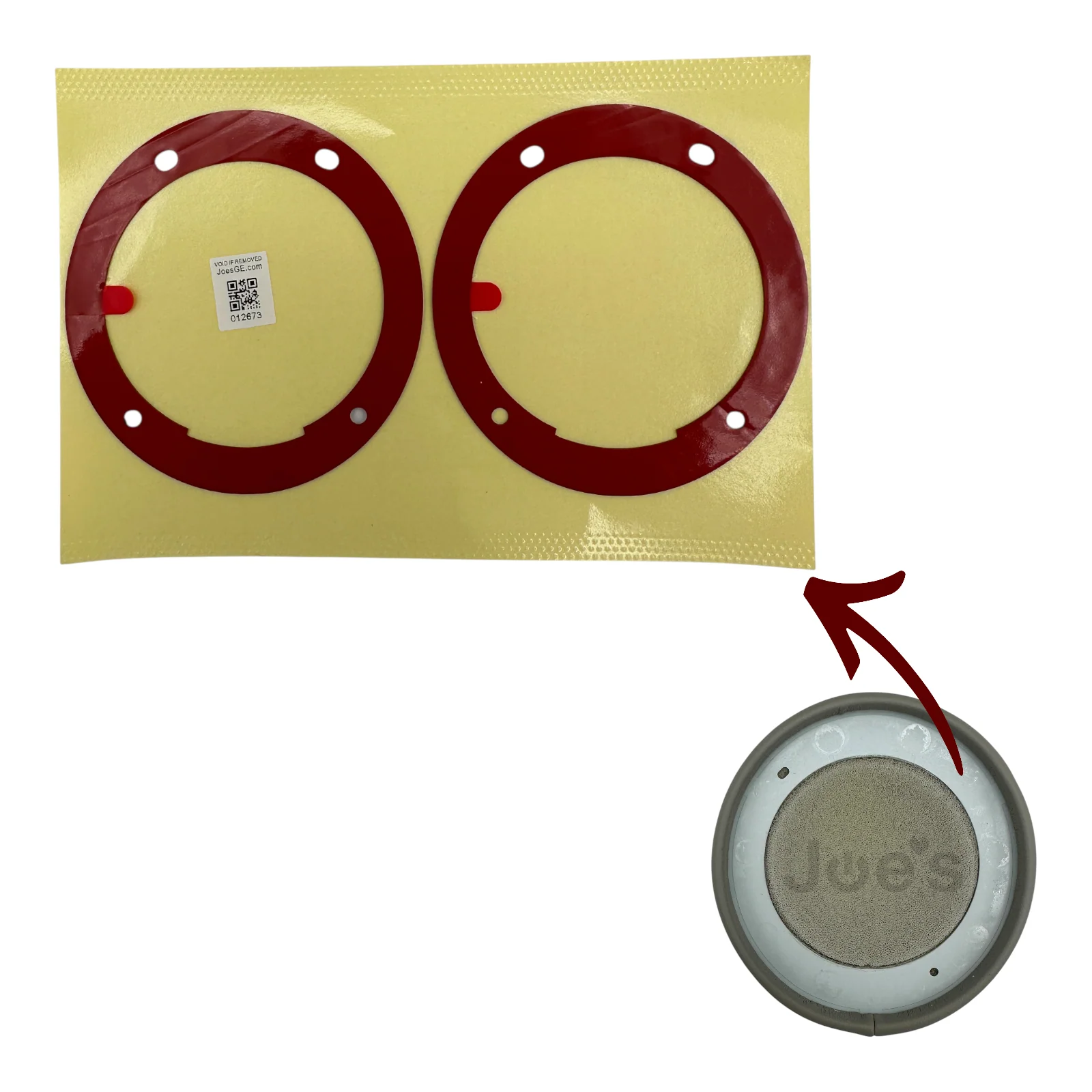
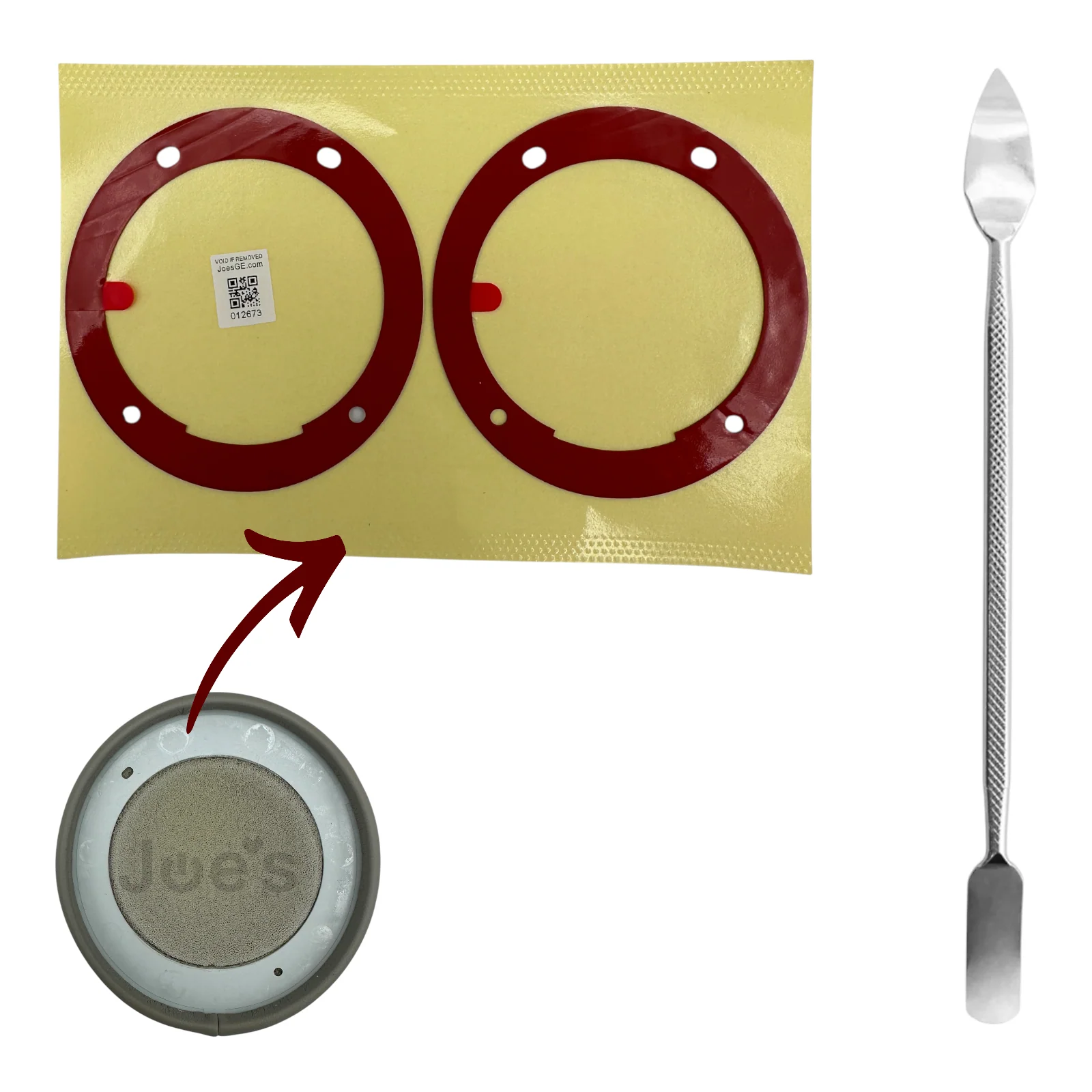
These die-cut ear pad adhesive stickers are precision-designed to fit either the left or right side of the Beats Solo Pro Wireless headphones. The custom shape ensures proper alignment and a secure bond between the ear pad cushion and the speaker housing.
This adhesive tape is specifically formulated for Beats Solo Pro ear pad installation, providing a strong, long-lasting hold while maintaining the original fit and seal of the ear cushions.
Installation Instructions
- Remove all old adhesive from both the ear pad plastic frame and the speaker housing.
- Clean both surfaces completely until no residue or tack remains.
- Apply the adhesive tape to the ear pad plastic frame first.
- Align and press the ear pad with adhesive onto the clean speaker housing surface.
- Apply firm pressure for 30–60 seconds to ensure proper bonding.
- In colder environments, gently warming the tape after installation can help improve adhesion.
Original: $12.99
-65%$12.99
$4.55More Images
Beats Solo Pro Wireless Die-Cut Ear Pad Cushion Adhesive Tape
Beats Solo Pro Wireless Die-Cut Ear Pad Cushion Adhesive Tape
These die-cut ear pad adhesive stickers are precision-designed to fit either the left or right side of the Beats Solo Pro Wireless headphones. The custom shape ensures proper alignment and a secure bond between the ear pad cushion and the speaker housing.
This adhesive tape is specifically formulated for Beats Solo Pro ear pad installation, providing a strong, long-lasting hold while maintaining the original fit and seal of the ear cushions.
Installation Instructions
- Remove all old adhesive from both the ear pad plastic frame and the speaker housing.
- Clean both surfaces completely until no residue or tack remains.
- Apply the adhesive tape to the ear pad plastic frame first.
- Align and press the ear pad with adhesive onto the clean speaker housing surface.
- Apply firm pressure for 30–60 seconds to ensure proper bonding.
- In colder environments, gently warming the tape after installation can help improve adhesion.
Product Information
Product Information
Shipping & Returns
Shipping & Returns
Description
Beats Solo Pro Wireless Die-Cut Ear Pad Cushion Adhesive Tape
These die-cut ear pad adhesive stickers are precision-designed to fit either the left or right side of the Beats Solo Pro Wireless headphones. The custom shape ensures proper alignment and a secure bond between the ear pad cushion and the speaker housing.
This adhesive tape is specifically formulated for Beats Solo Pro ear pad installation, providing a strong, long-lasting hold while maintaining the original fit and seal of the ear cushions.
Installation Instructions
- Remove all old adhesive from both the ear pad plastic frame and the speaker housing.
- Clean both surfaces completely until no residue or tack remains.
- Apply the adhesive tape to the ear pad plastic frame first.
- Align and press the ear pad with adhesive onto the clean speaker housing surface.
- Apply firm pressure for 30–60 seconds to ensure proper bonding.
- In colder environments, gently warming the tape after installation can help improve adhesion.