
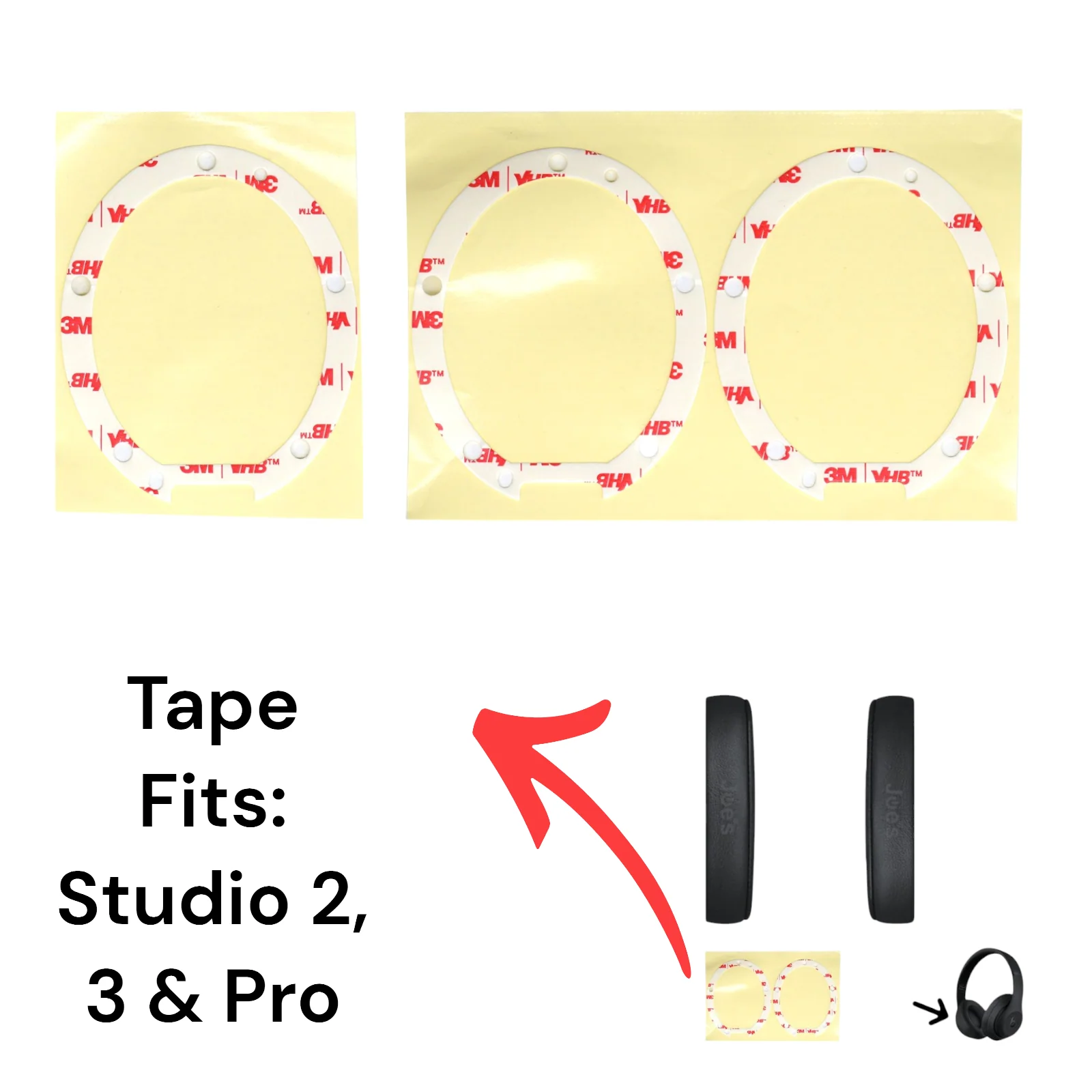
Beats By Dre Studio 2 Studio 3 Studio Pro 3M Die Cut Ear Pad Cushion Adhesive - Tape
These stickers can fit the left or right side as they are die-cut to fit either side. This tape is designed to work for the following models. Studio 2 Wired, Studio 2 Wireless, Studio 3 Wireless, and Studio Pro Wireless Beats.
To install tape. You must clean the surface completely of the previous tape and make sure that the ear pad and speaker housing are exposed to the clean plastic. Once there is no tack on both plastic pieces install the tape. The tape must be first installed on the ear pad plastic frame. Then you apply the pads with the sticker onto a clean speaker housing surface. Heat up the tape once it's on the muff if you're in a cold environment to allow for a better stick. Apply pressure to the muff for 30 to 60 seconds to make sure it holds properly.
Repair Ninja Touch: We pay more for this tape because it's the best tape we could find for this repair. The tape is stronger than the original tape and won't fall off when your headphones get cold.
Repair Videos:
- Studio 2 Ear Pad Tape Install.
- Studio 3 Ear Pad Tape Install.
Original: $8.99
-65%$8.99
$3.15More Images
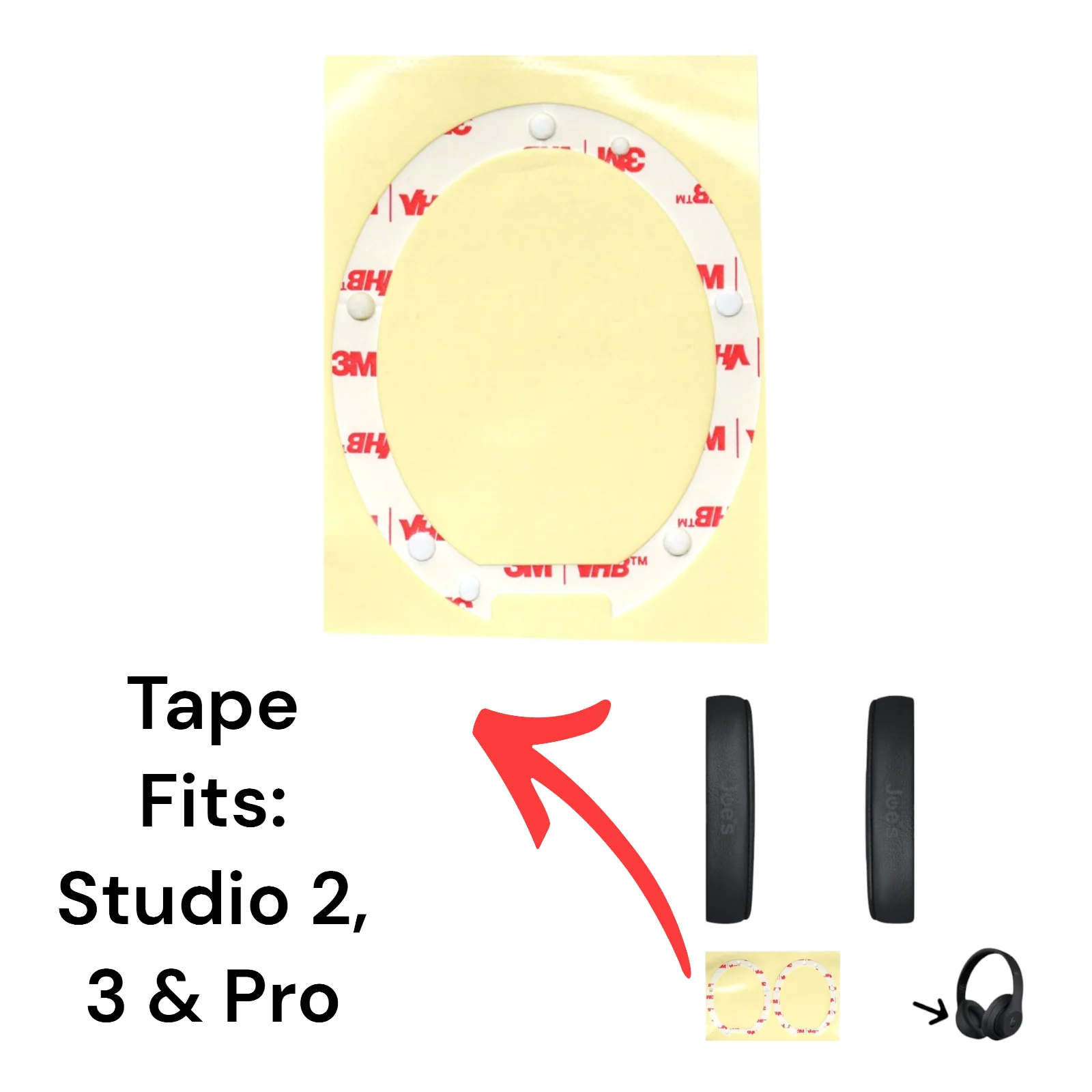
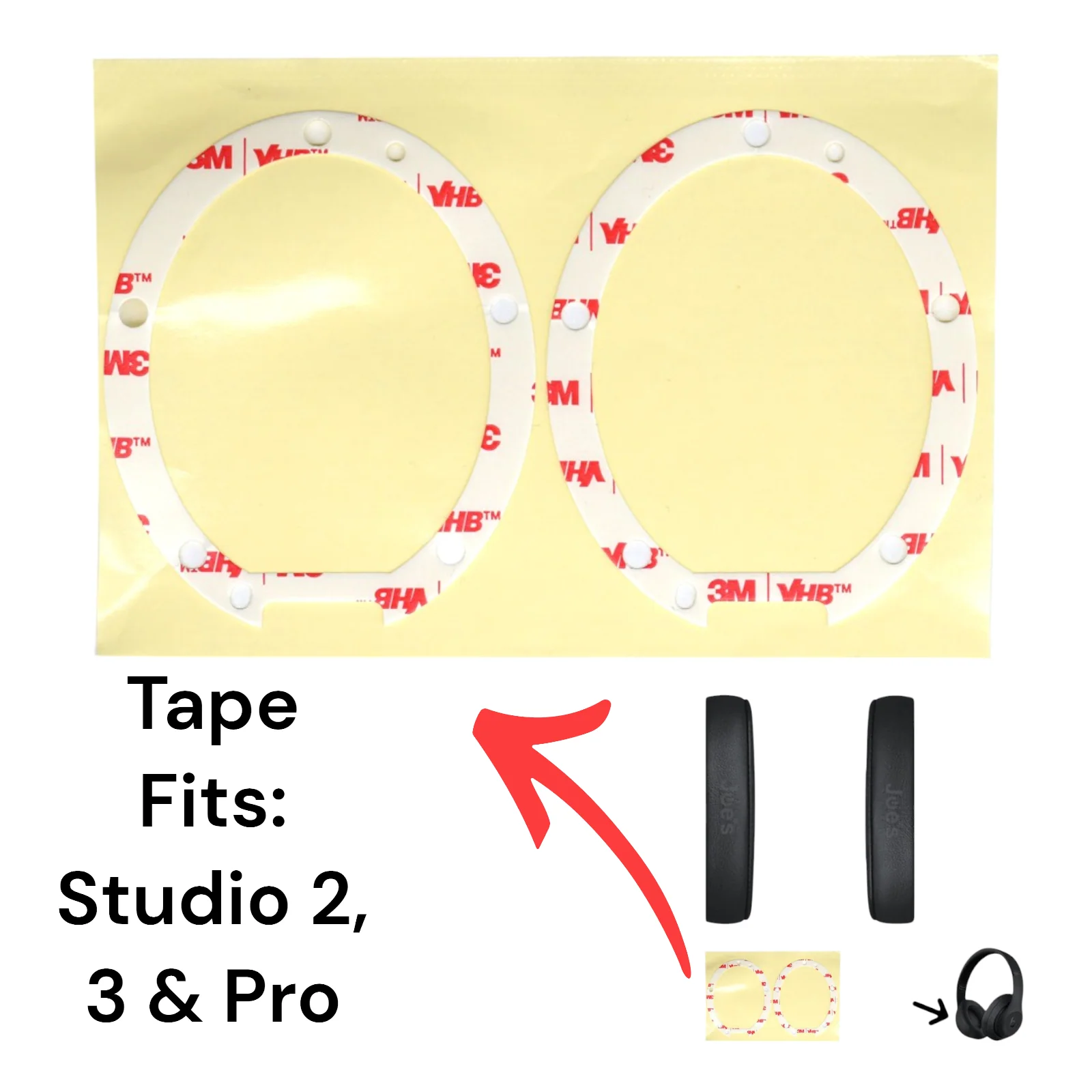
Beats By Dre Studio 2 Studio 3 Studio Pro 3M Die Cut Ear Pad Cushion Adhesive - Tape
These stickers can fit the left or right side as they are die-cut to fit either side. This tape is designed to work for the following models. Studio 2 Wired, Studio 2 Wireless, Studio 3 Wireless, and Studio Pro Wireless Beats.
To install tape. You must clean the surface completely of the previous tape and make sure that the ear pad and speaker housing are exposed to the clean plastic. Once there is no tack on both plastic pieces install the tape. The tape must be first installed on the ear pad plastic frame. Then you apply the pads with the sticker onto a clean speaker housing surface. Heat up the tape once it's on the muff if you're in a cold environment to allow for a better stick. Apply pressure to the muff for 30 to 60 seconds to make sure it holds properly.
Repair Ninja Touch: We pay more for this tape because it's the best tape we could find for this repair. The tape is stronger than the original tape and won't fall off when your headphones get cold.
Repair Videos:
- Studio 2 Ear Pad Tape Install.
- Studio 3 Ear Pad Tape Install.
Product Information
Product Information
Shipping & Returns
Shipping & Returns
Description
These stickers can fit the left or right side as they are die-cut to fit either side. This tape is designed to work for the following models. Studio 2 Wired, Studio 2 Wireless, Studio 3 Wireless, and Studio Pro Wireless Beats.
To install tape. You must clean the surface completely of the previous tape and make sure that the ear pad and speaker housing are exposed to the clean plastic. Once there is no tack on both plastic pieces install the tape. The tape must be first installed on the ear pad plastic frame. Then you apply the pads with the sticker onto a clean speaker housing surface. Heat up the tape once it's on the muff if you're in a cold environment to allow for a better stick. Apply pressure to the muff for 30 to 60 seconds to make sure it holds properly.
Repair Ninja Touch: We pay more for this tape because it's the best tape we could find for this repair. The tape is stronger than the original tape and won't fall off when your headphones get cold.
Repair Videos:
- Studio 2 Ear Pad Tape Install.
- Studio 3 Ear Pad Tape Install.